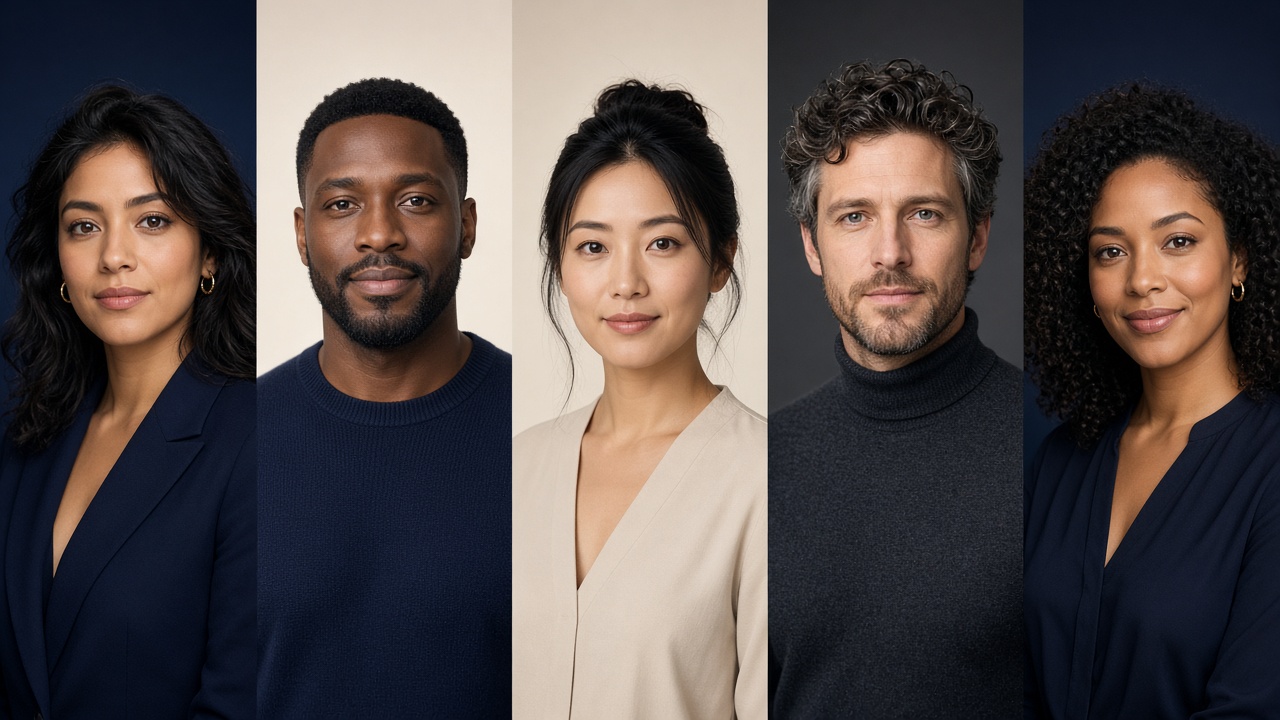
Change backdrop or outfit
Swap any of 16 studio backgrounds or try a blazer, shirt, or knit on the same selfie.
AI headshot generator
Ten studio-quality looks in about a minute, ready for LinkedIn, your website, and your email signature. We edit your real photo, so it still looks like you. Preview is free and watermarked — unlock only the photos you want.
Free to try · See pricing
JPG, PNG, or WebP. One clear selfie is enough.
4.9 · Watermarked preview first

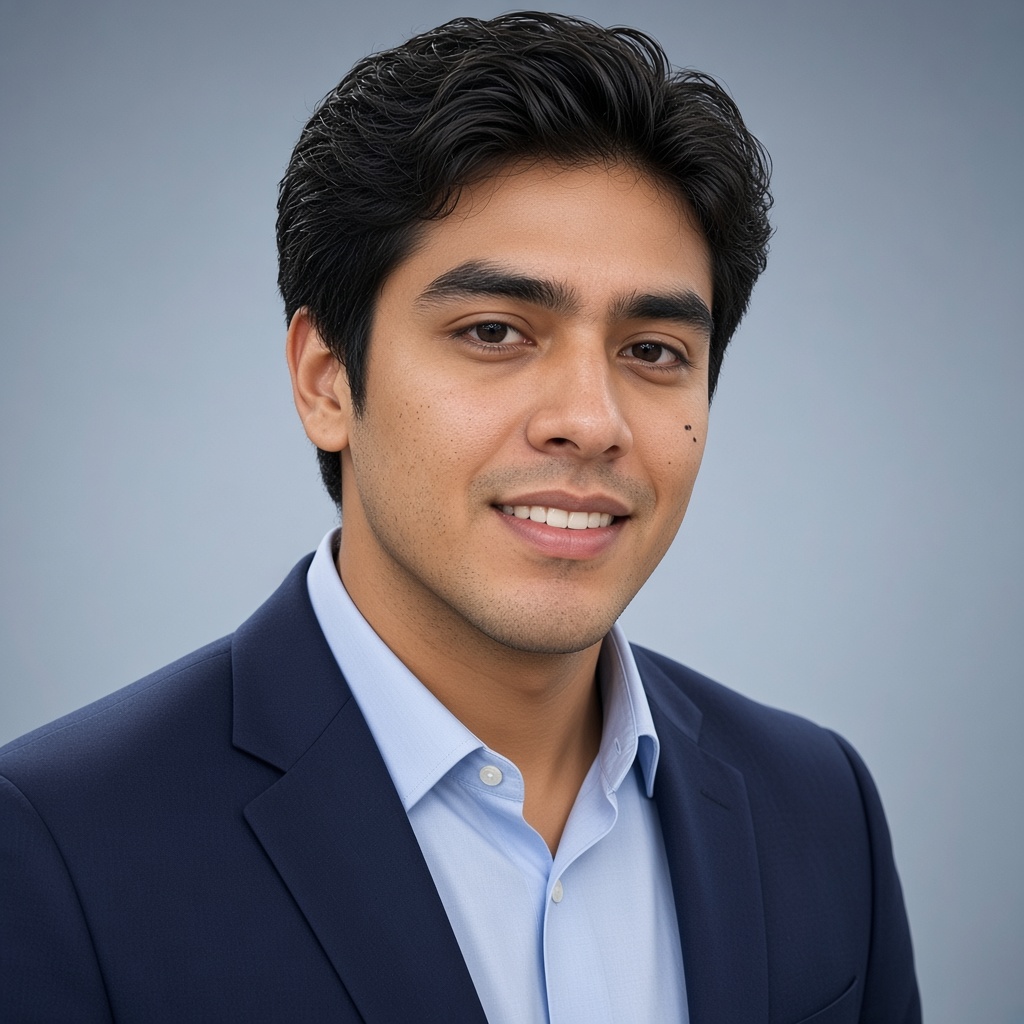 BeforeAfter
Gallery
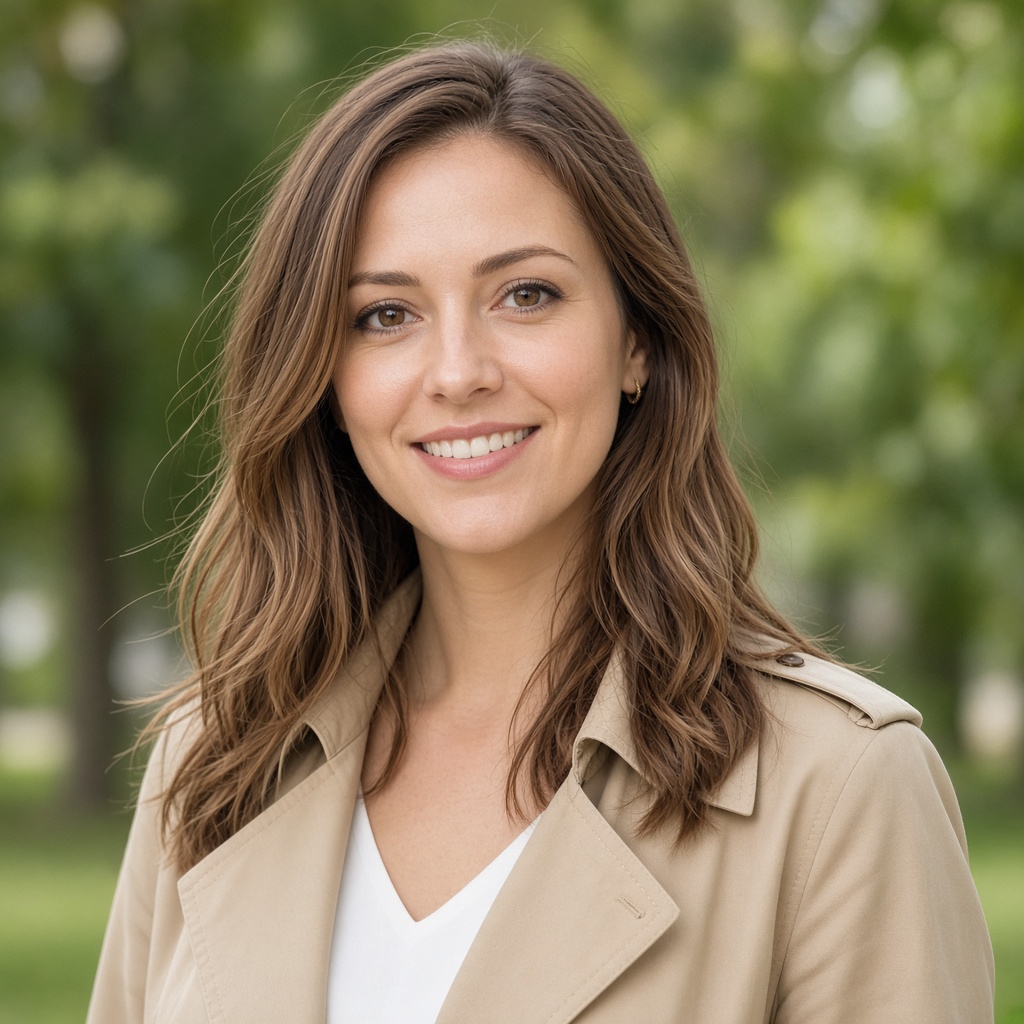
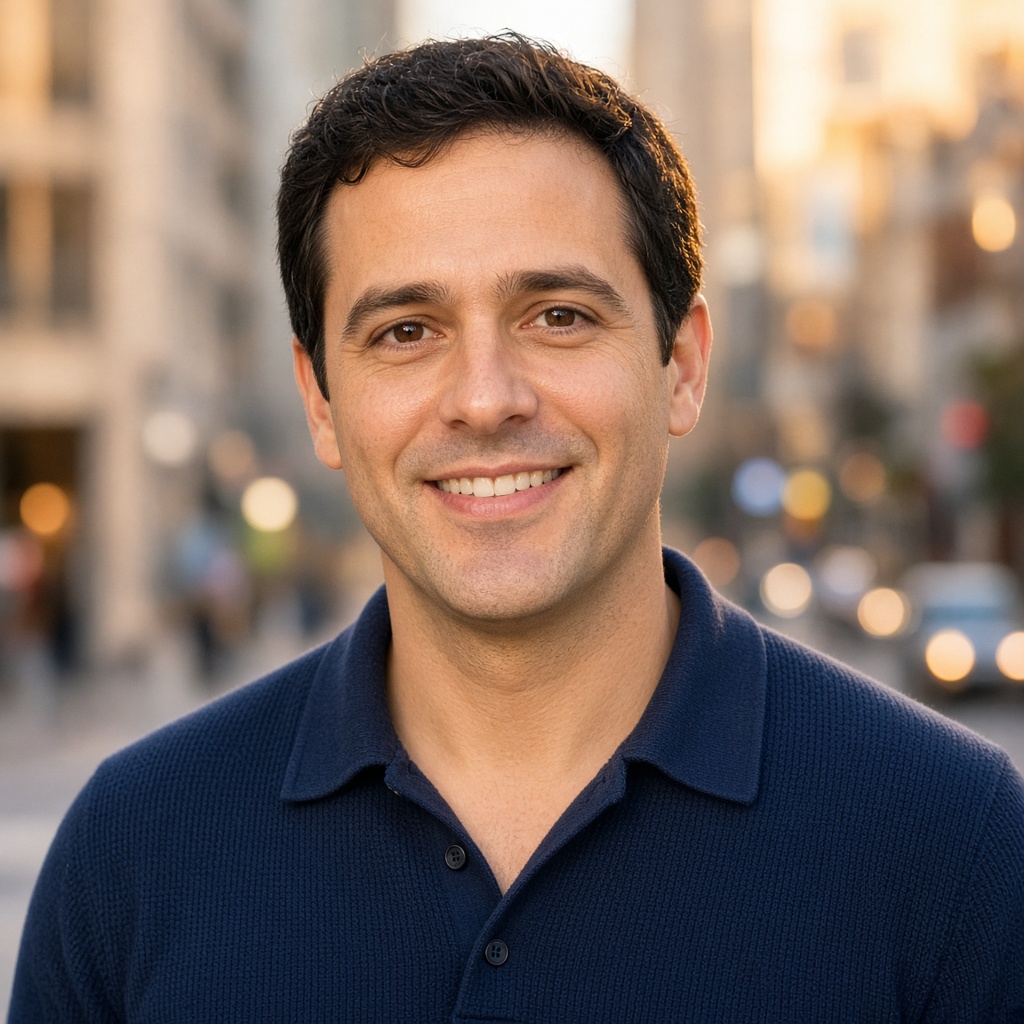
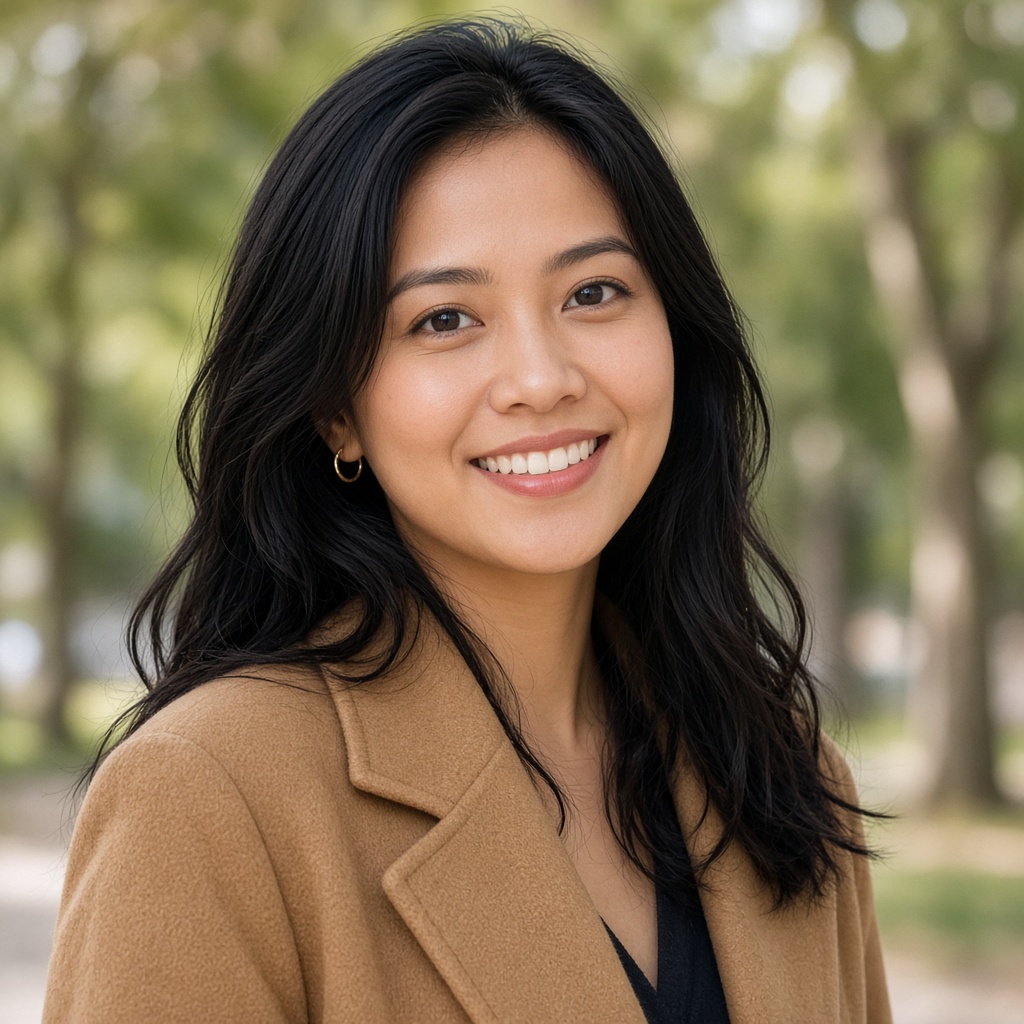
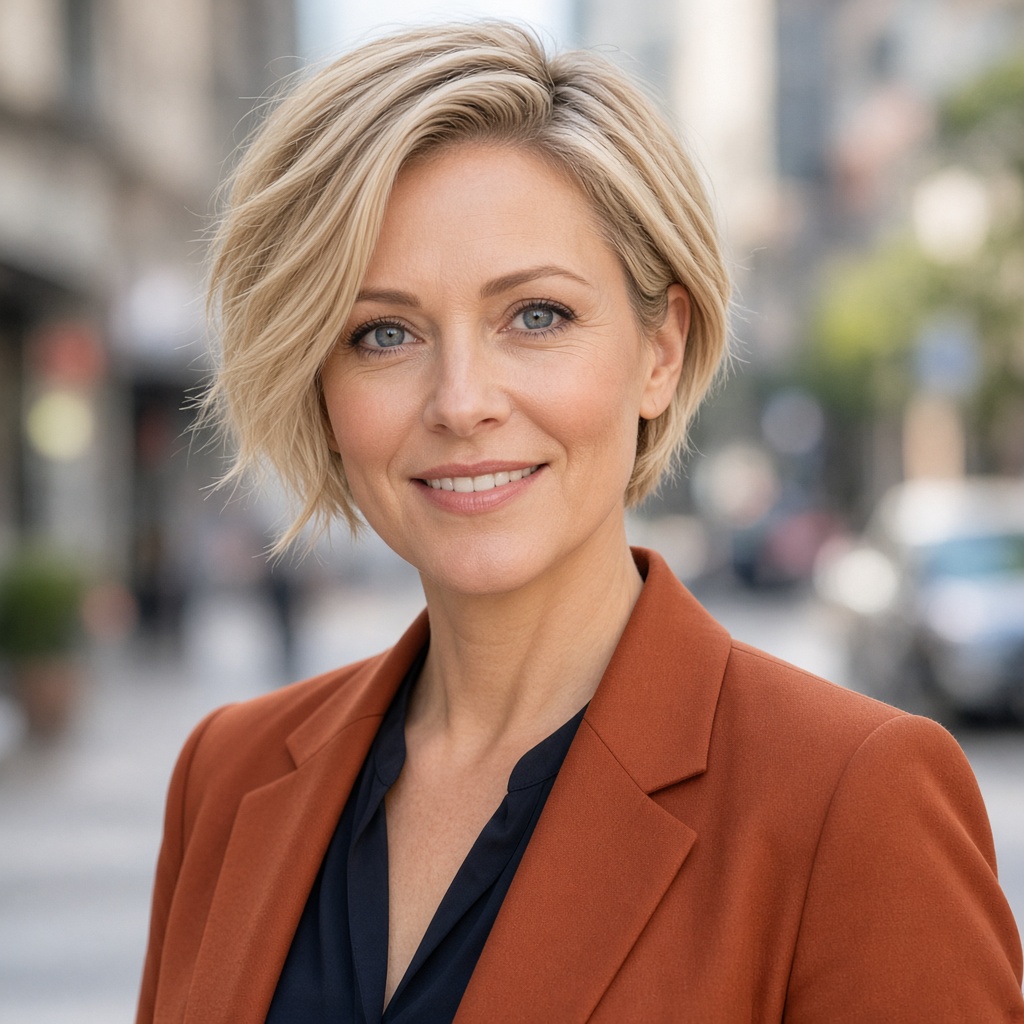
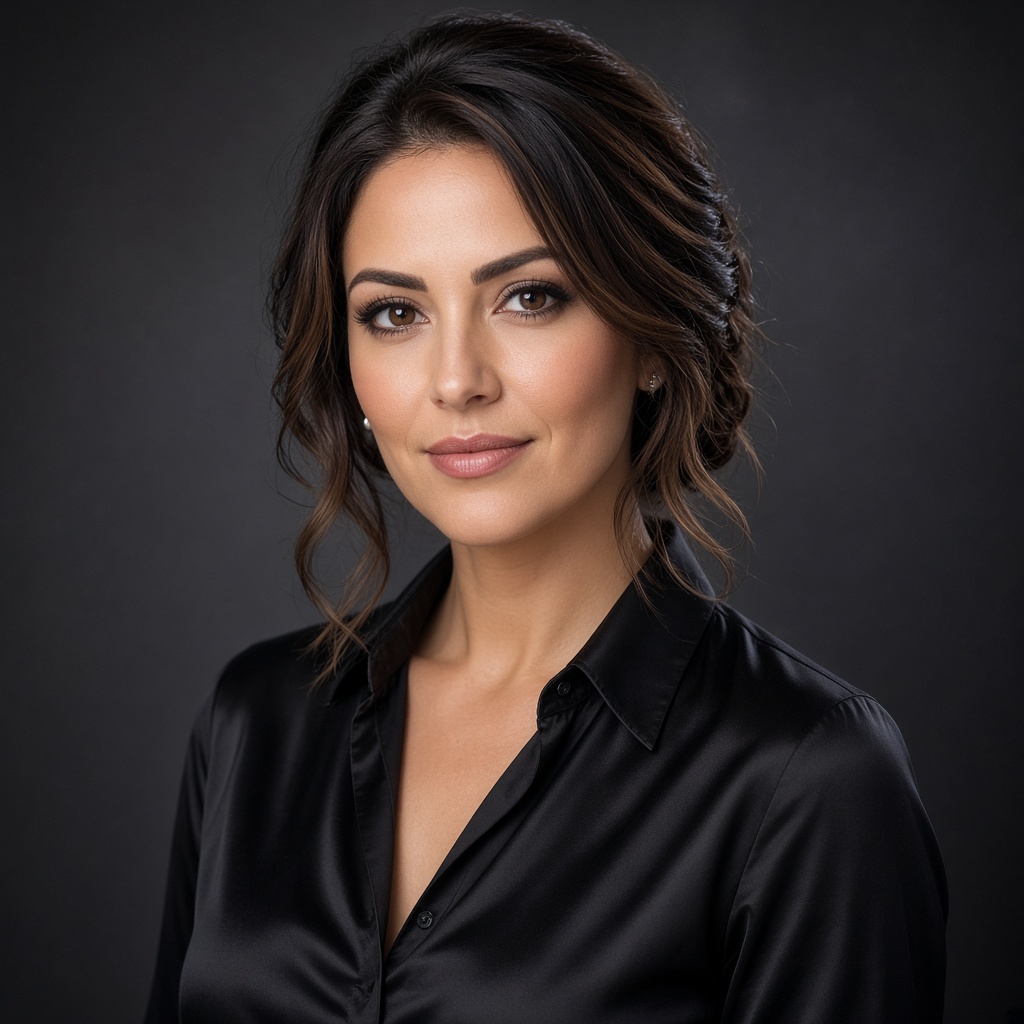
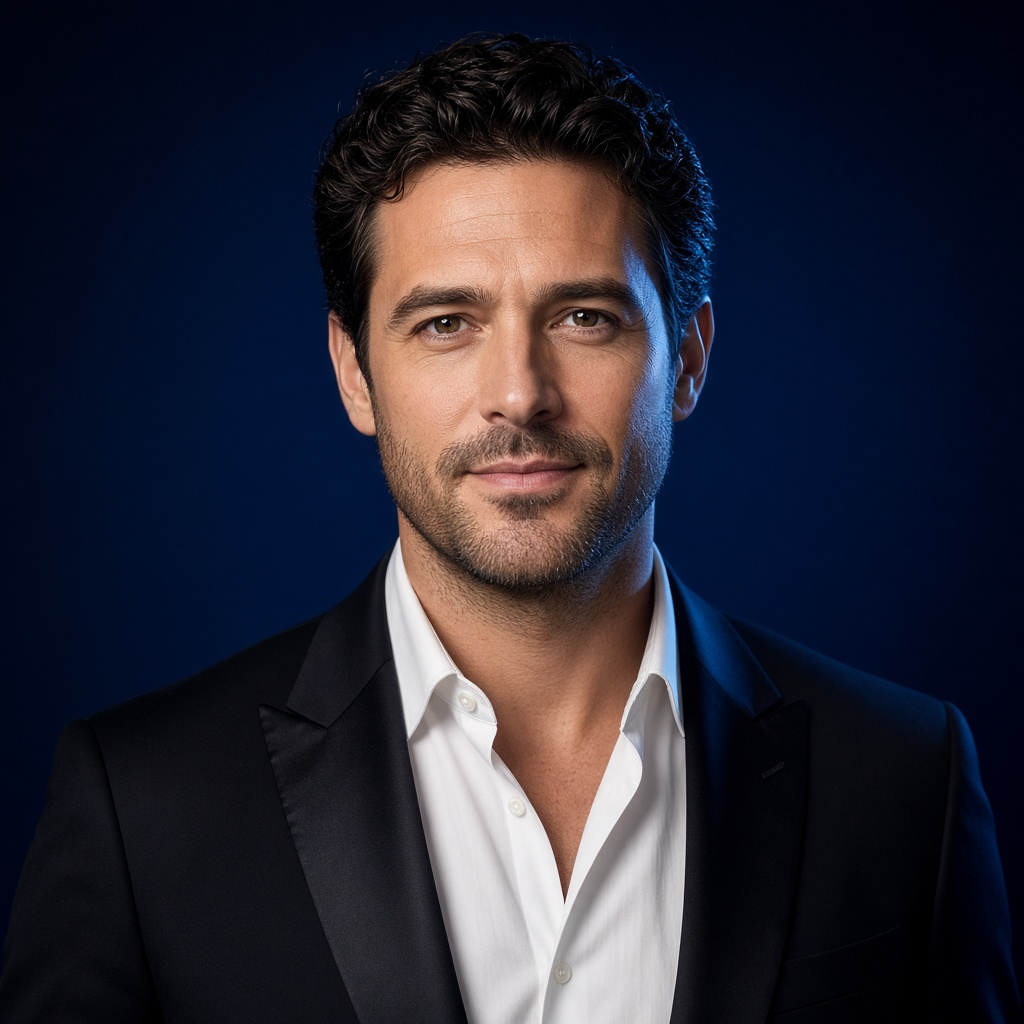
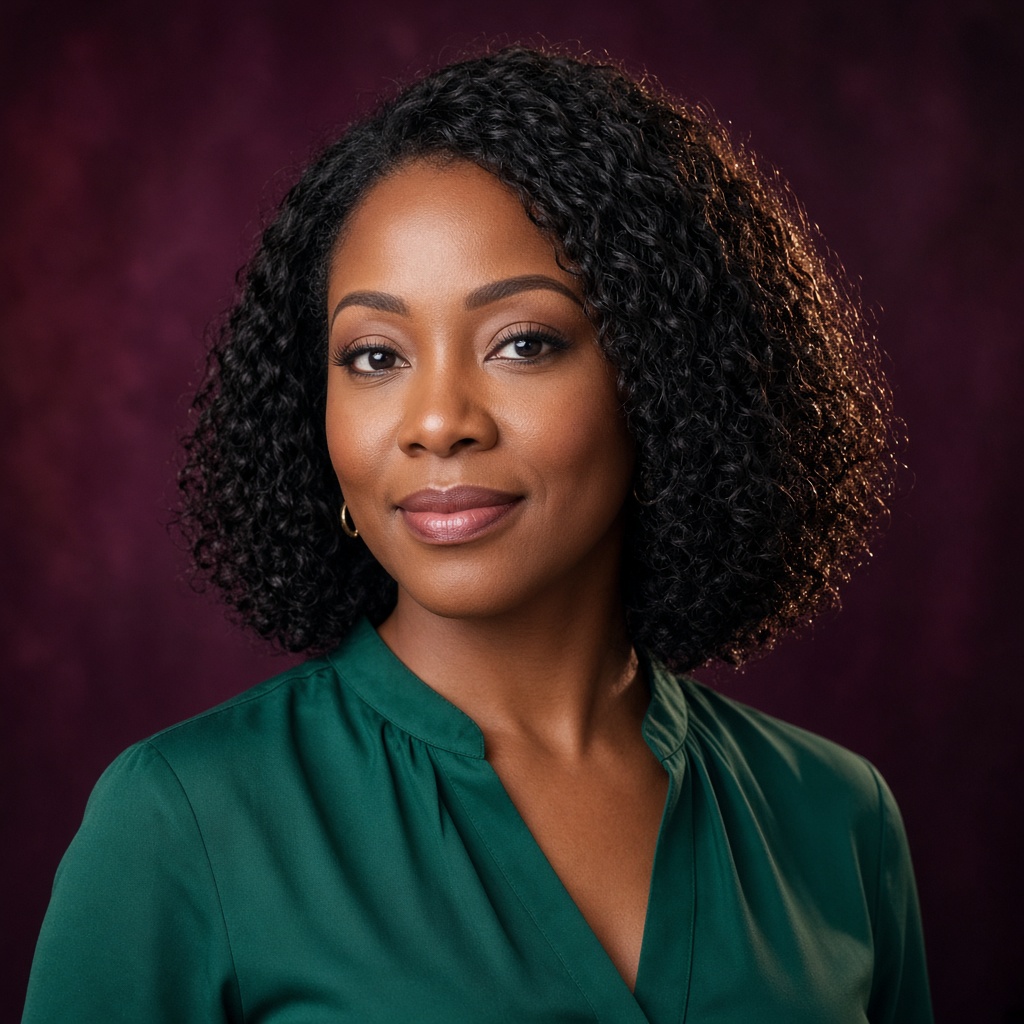
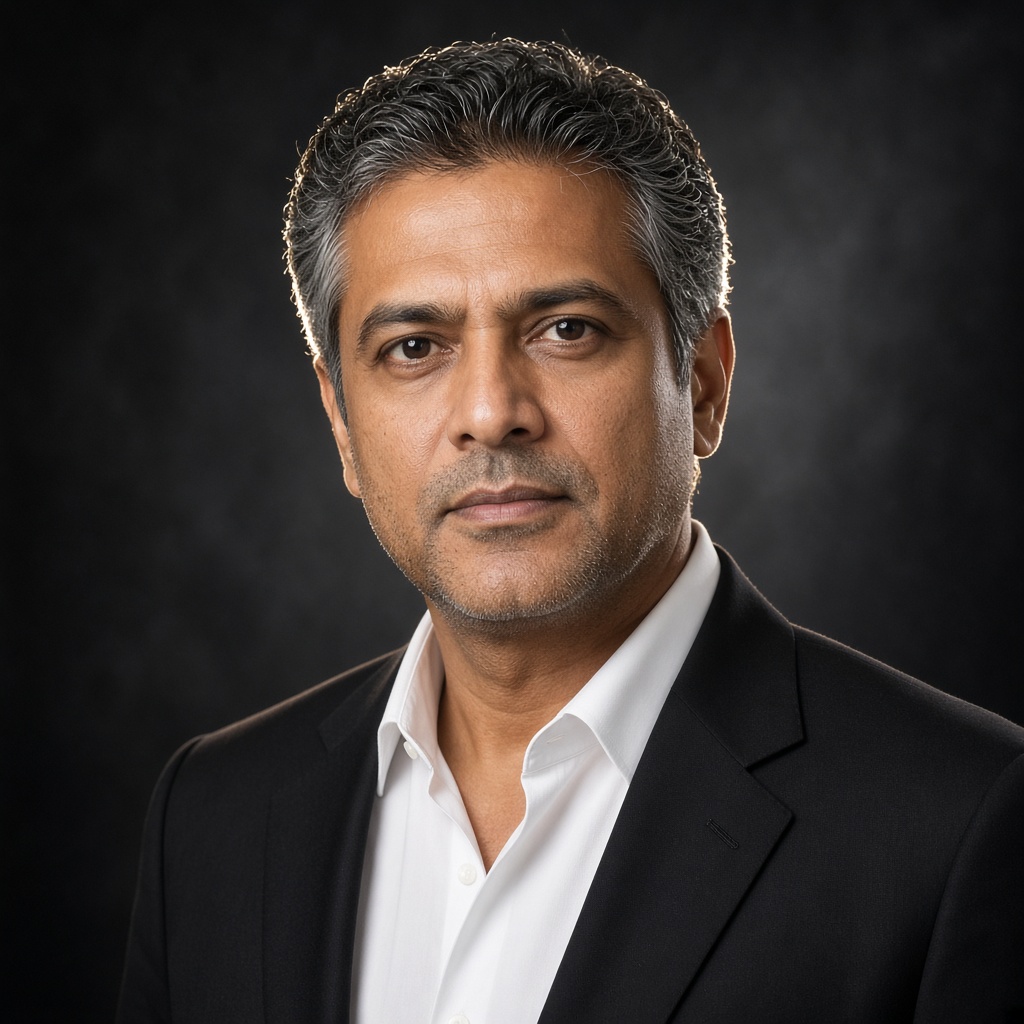
Tap Studio, Office, Formal and more — the strip fills with matching looks.
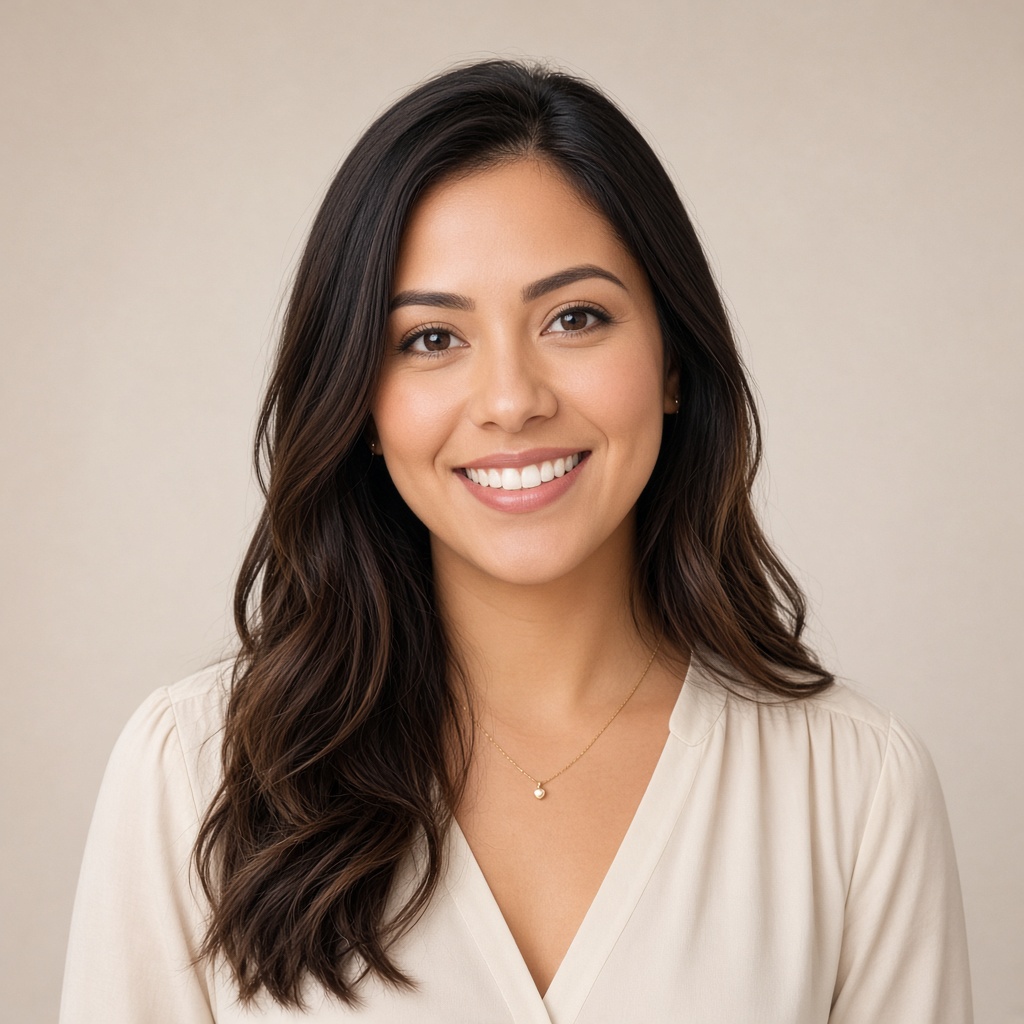

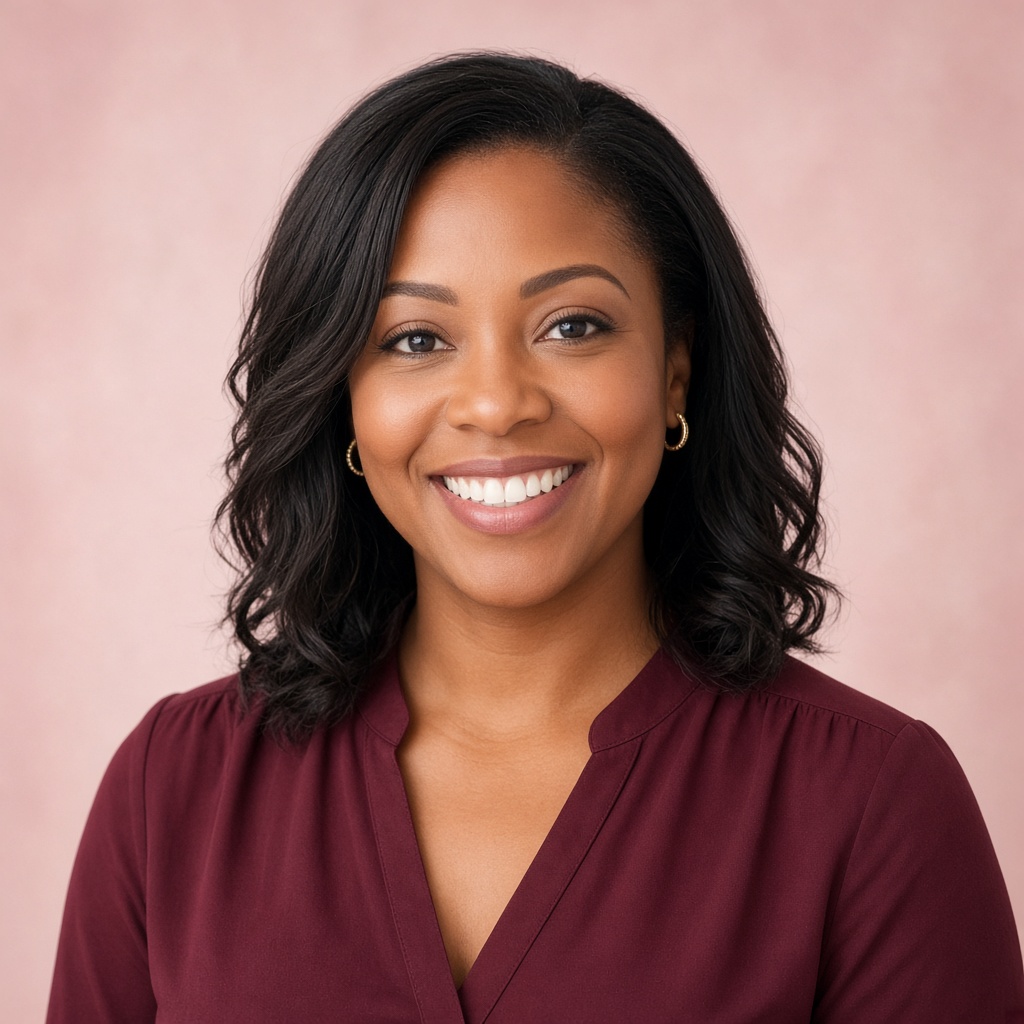
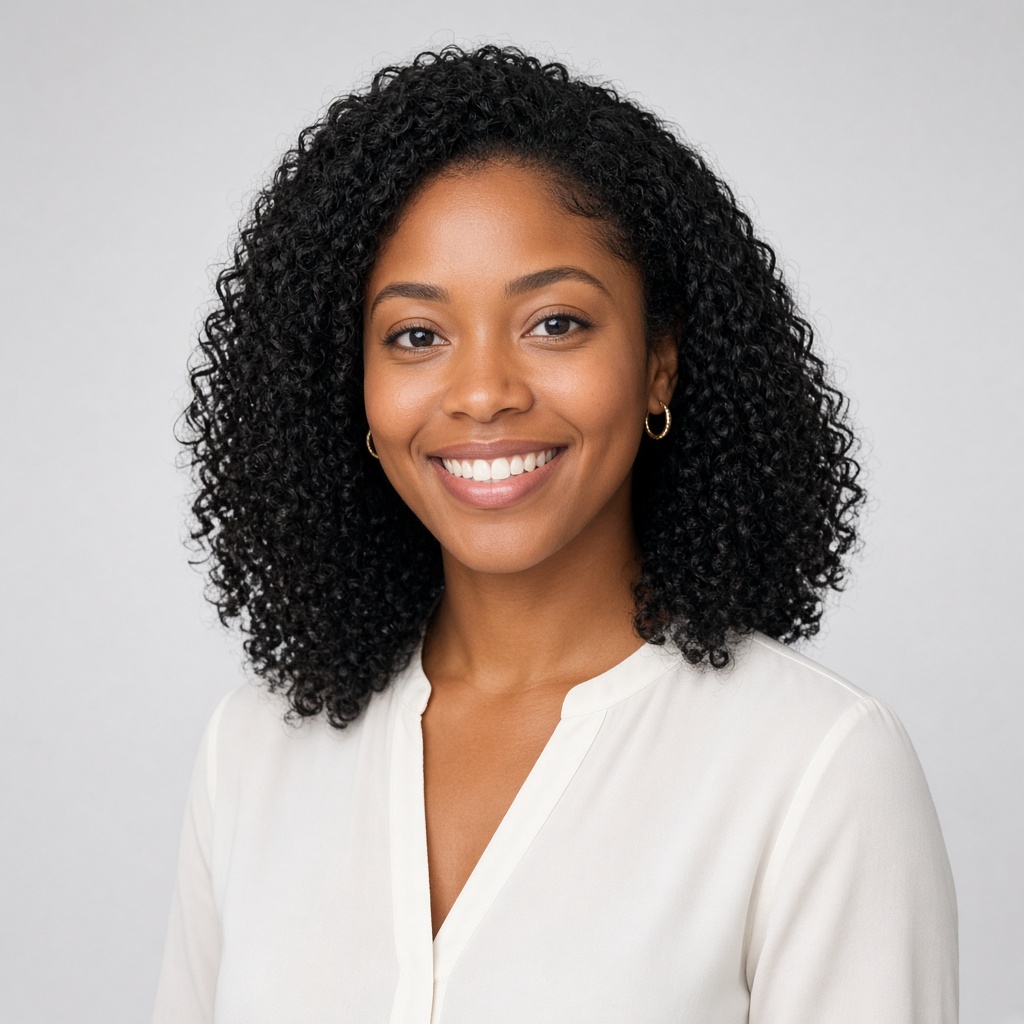
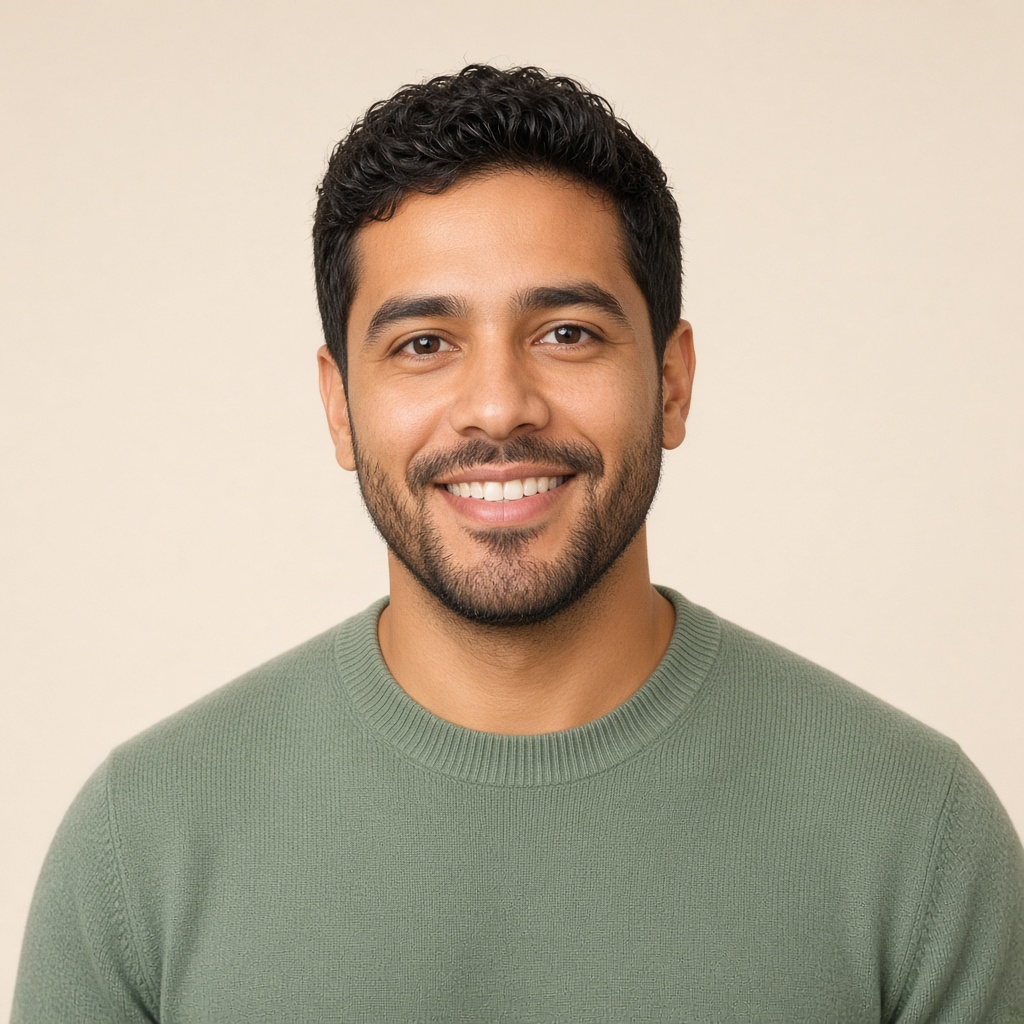






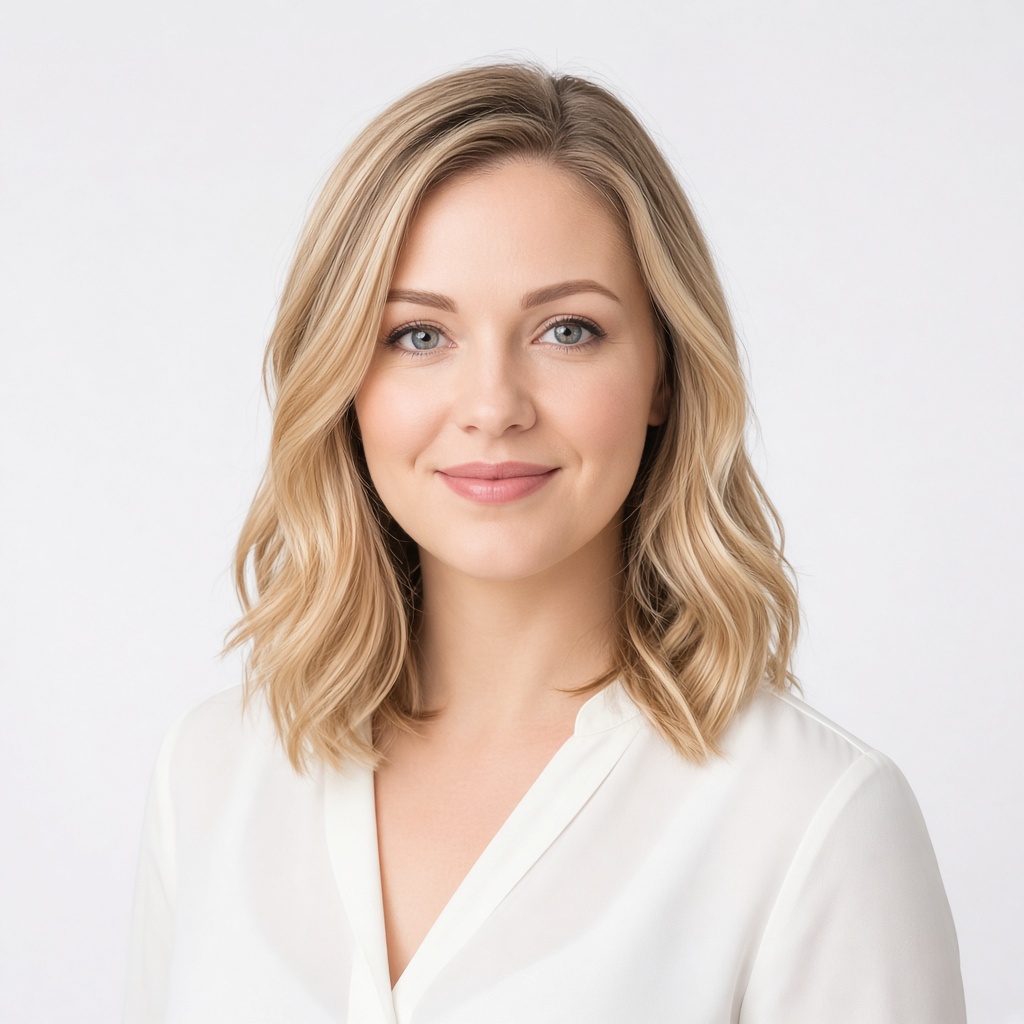
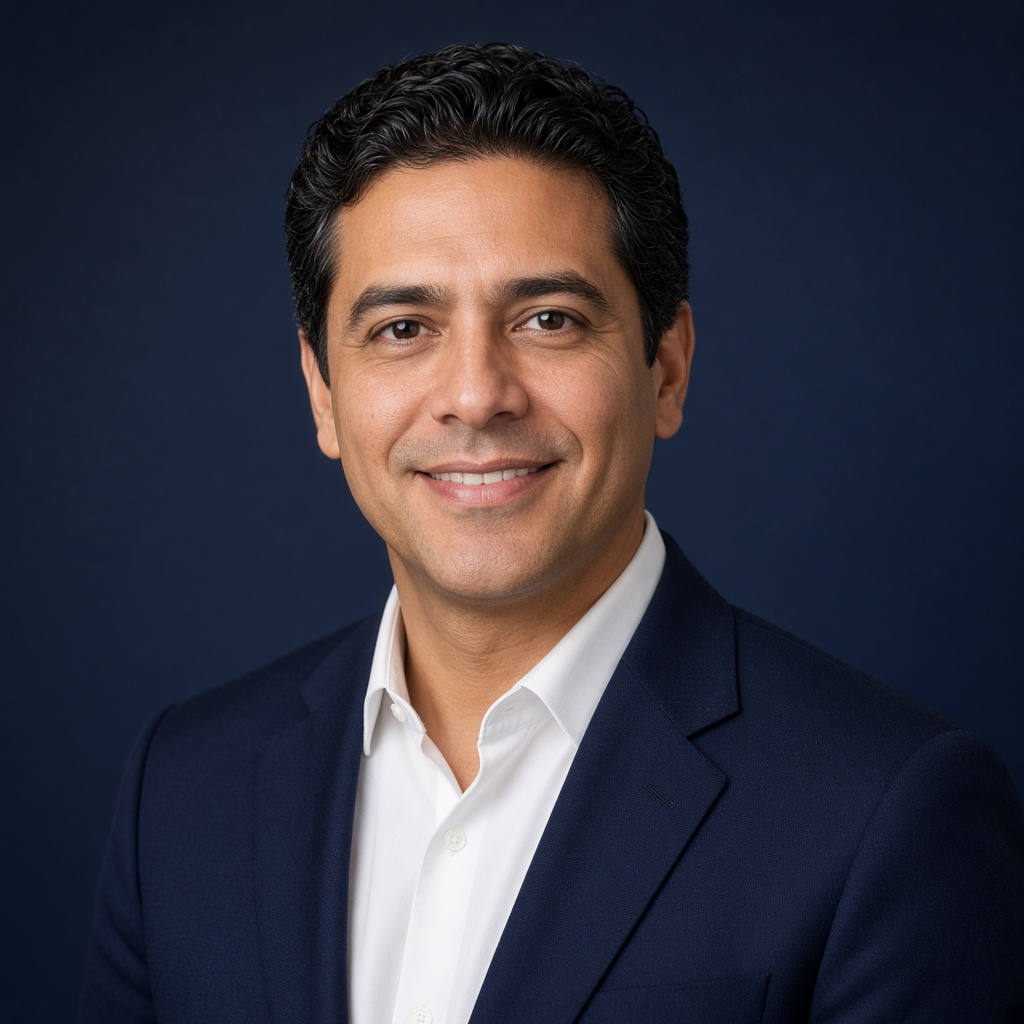


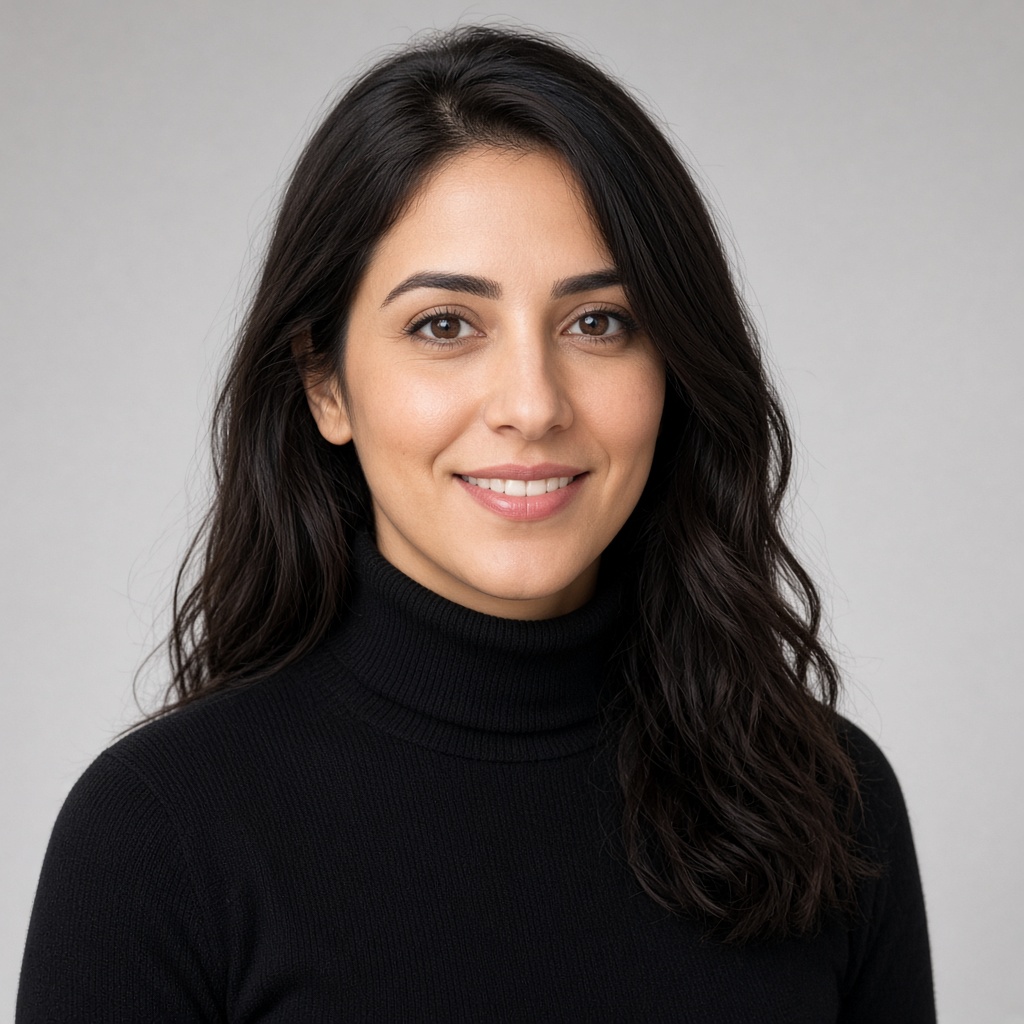

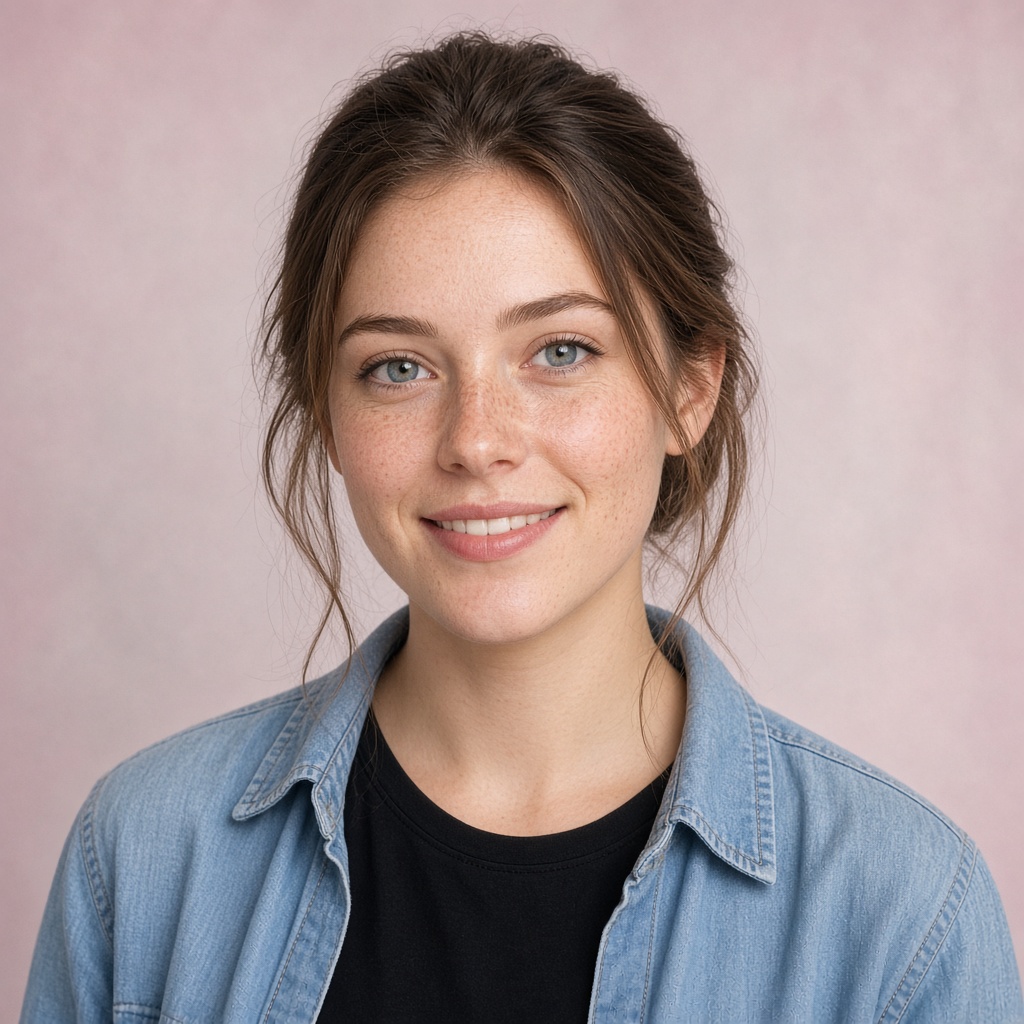

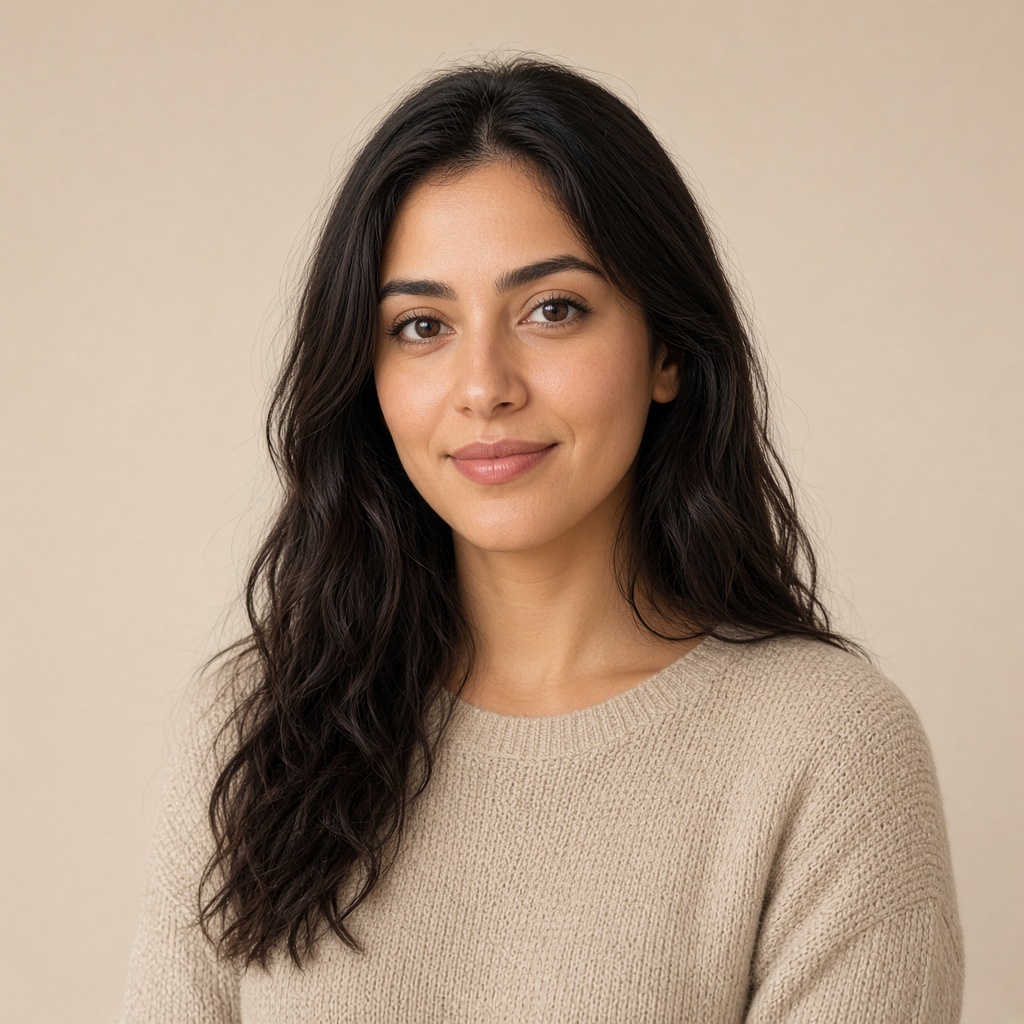
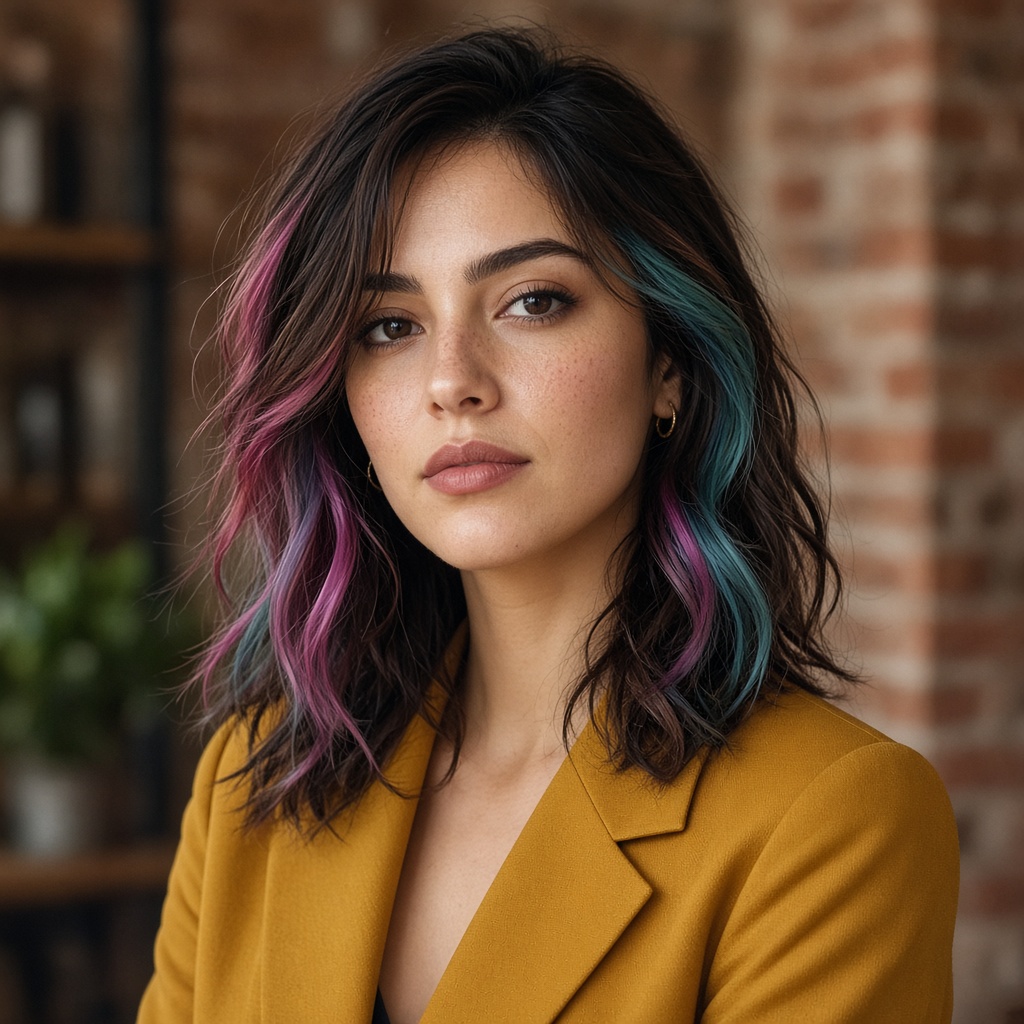
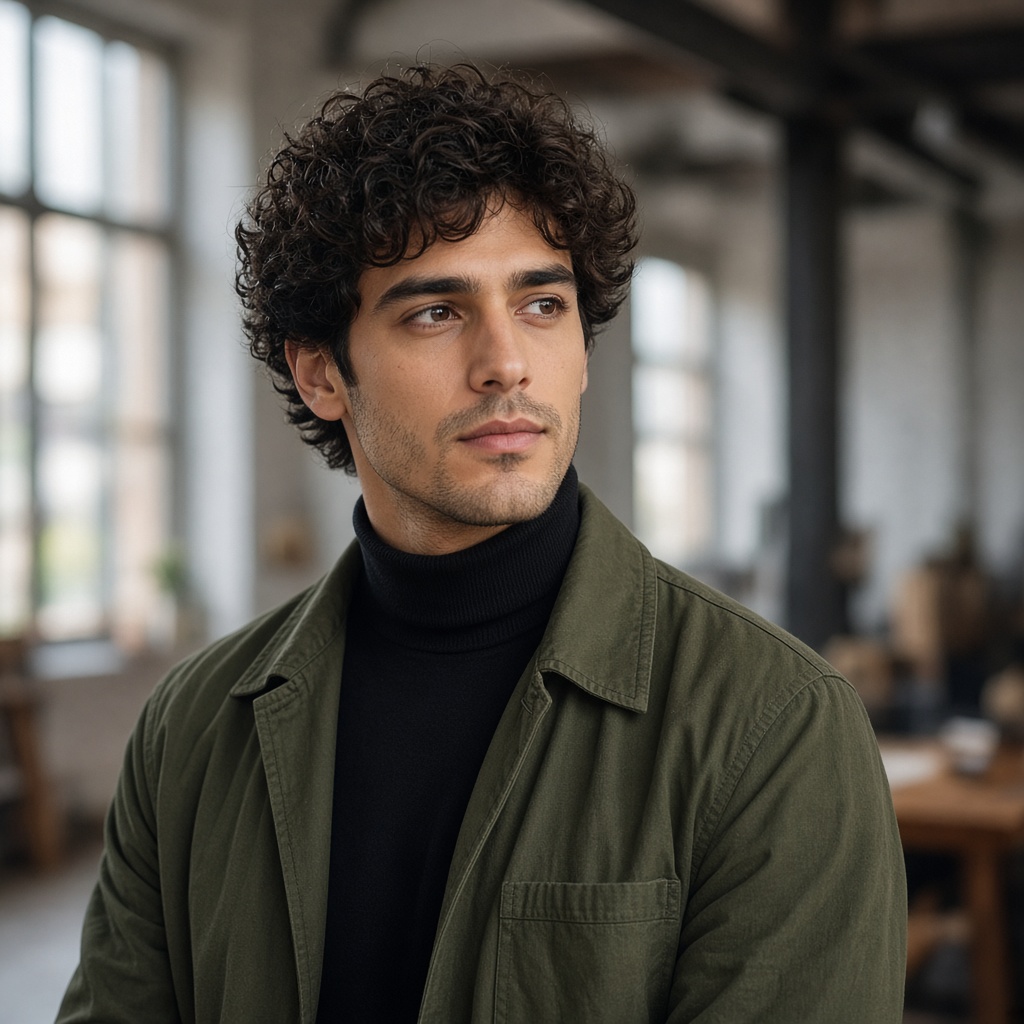
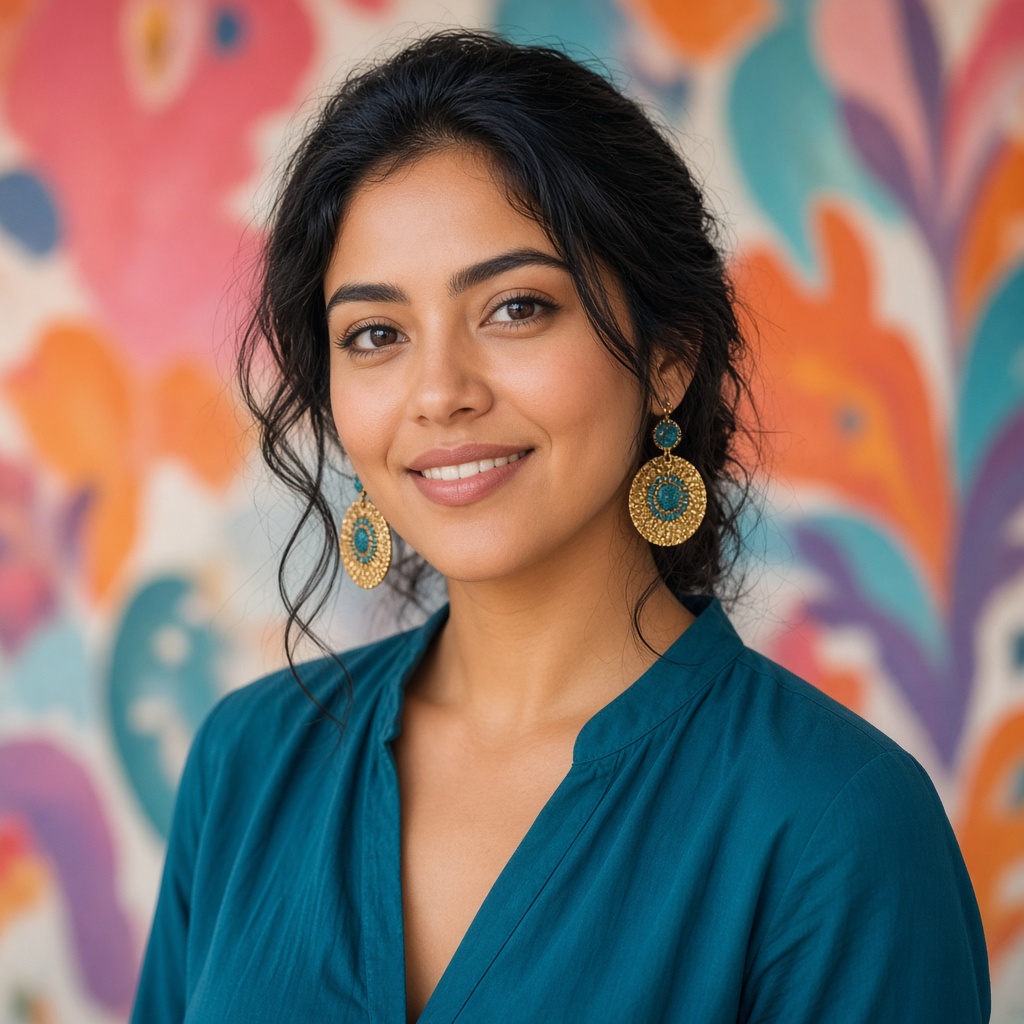
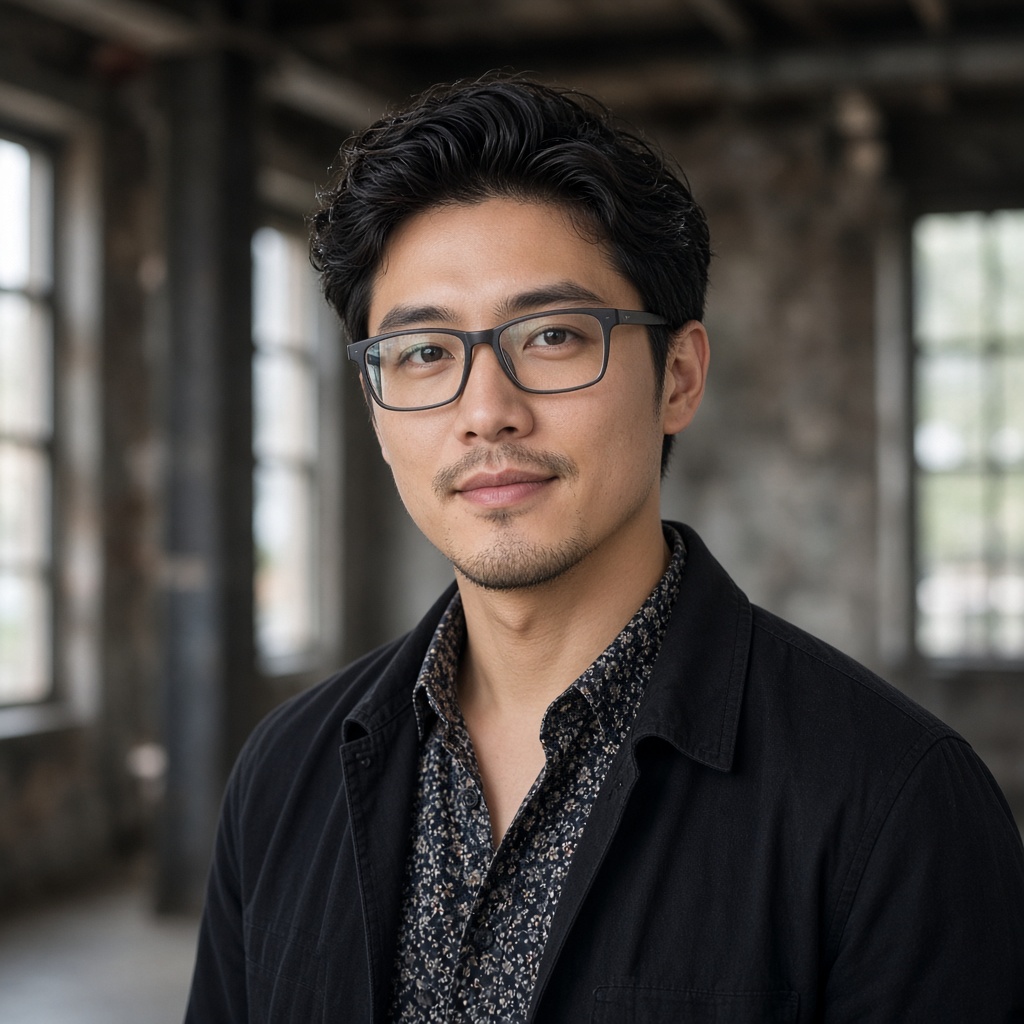
How it works
Three clear steps from selfie to LinkedIn-ready portrait.
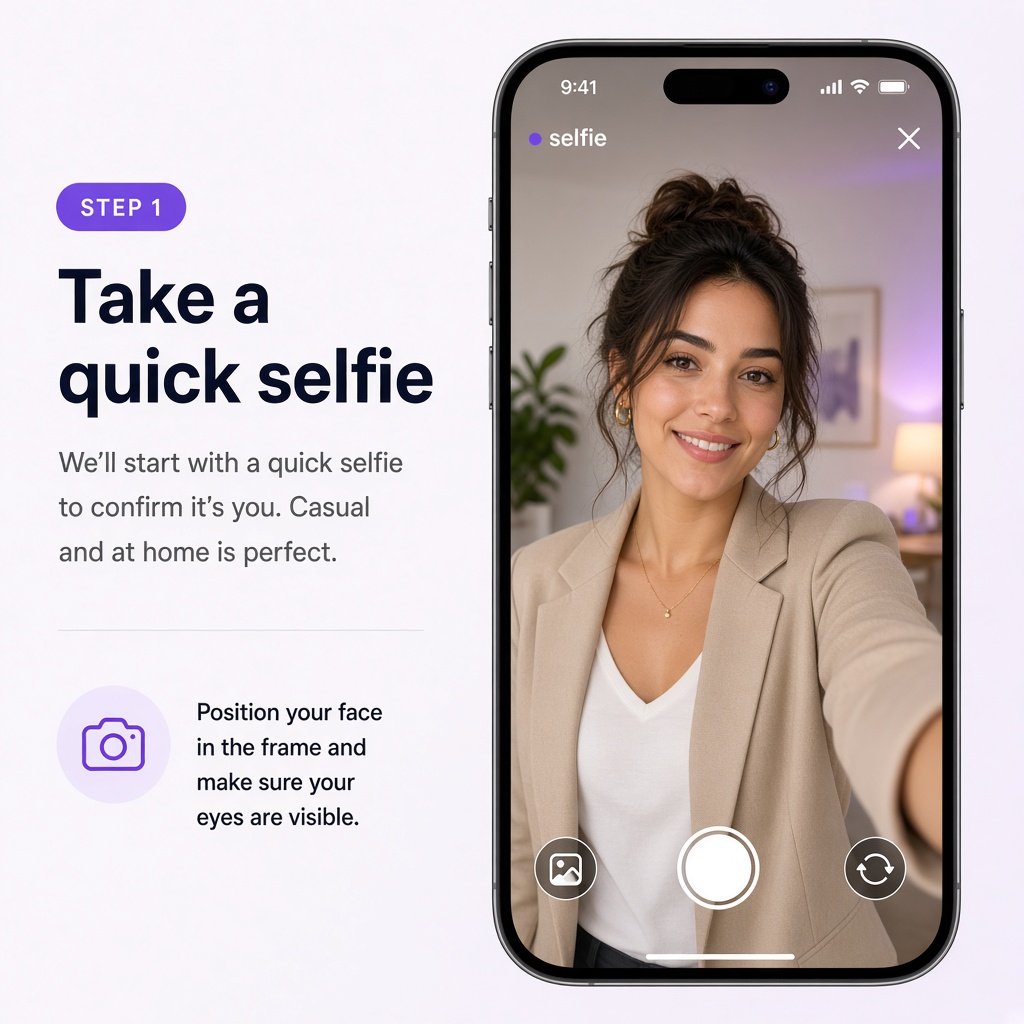
Start
Any clear selfie or casual shot. Other services ask for 10 or more — we only need one from your camera roll.
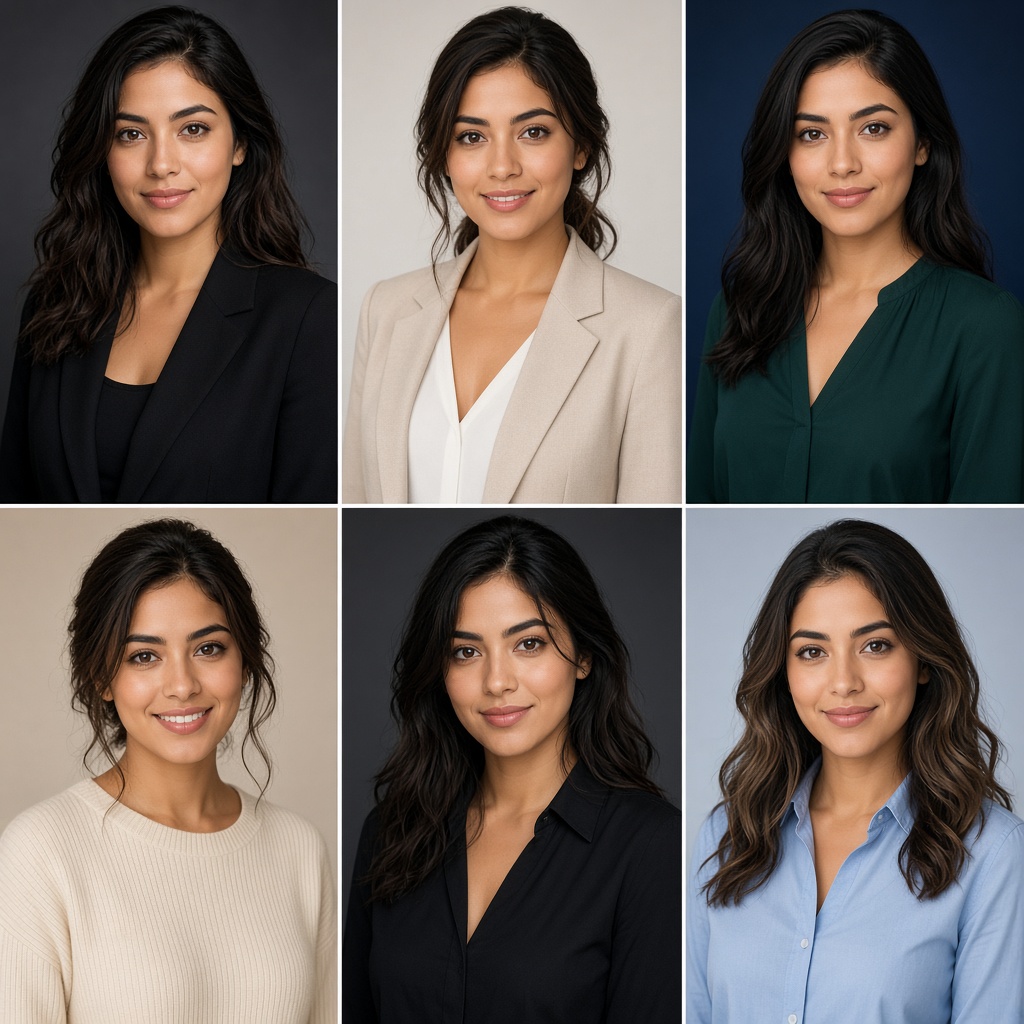
Generate
Pick up to three of 16 studio backdrops. Outfits from business casual to formal, natural framing — your face stays yours.
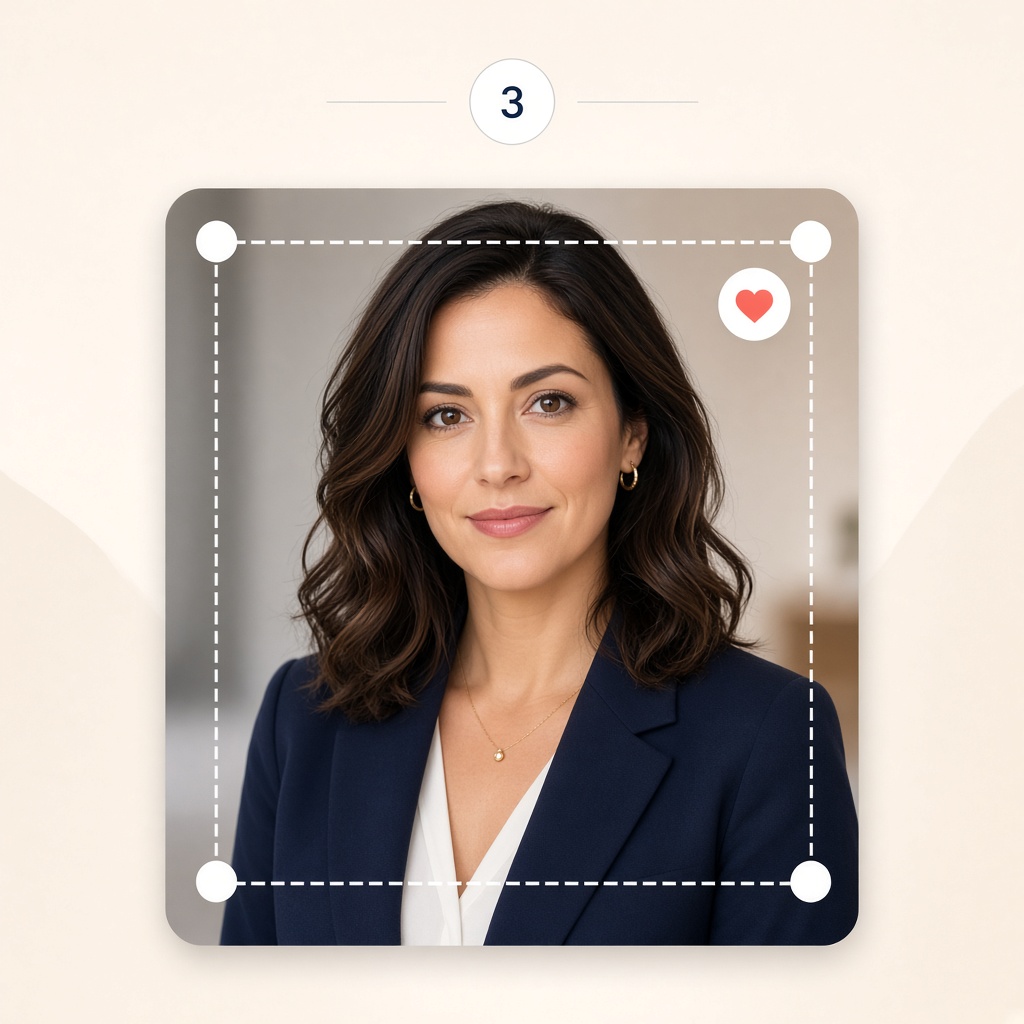
Choose
Preview free with a watermark. Soften light, tighten the crop, heart keepers — unlock only full-resolution files you want.
Editor
The same controls you get after upload: backdrop, outfit, angle, crop, and a side-by-side compare.
Swap any of 16 studio backgrounds or try a blazer, shirt, or knit on the same selfie.
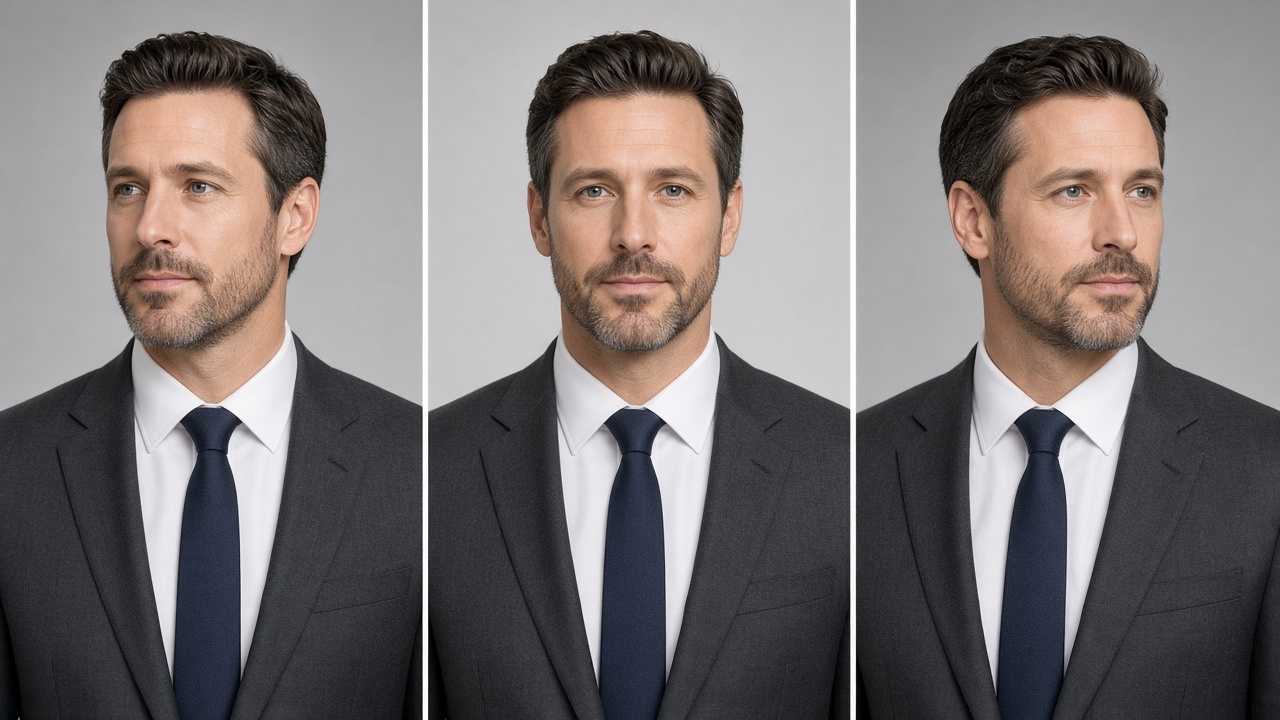
Turn slightly left or right without taking another photo.
See the crop the way it sits on a LinkedIn profile card.
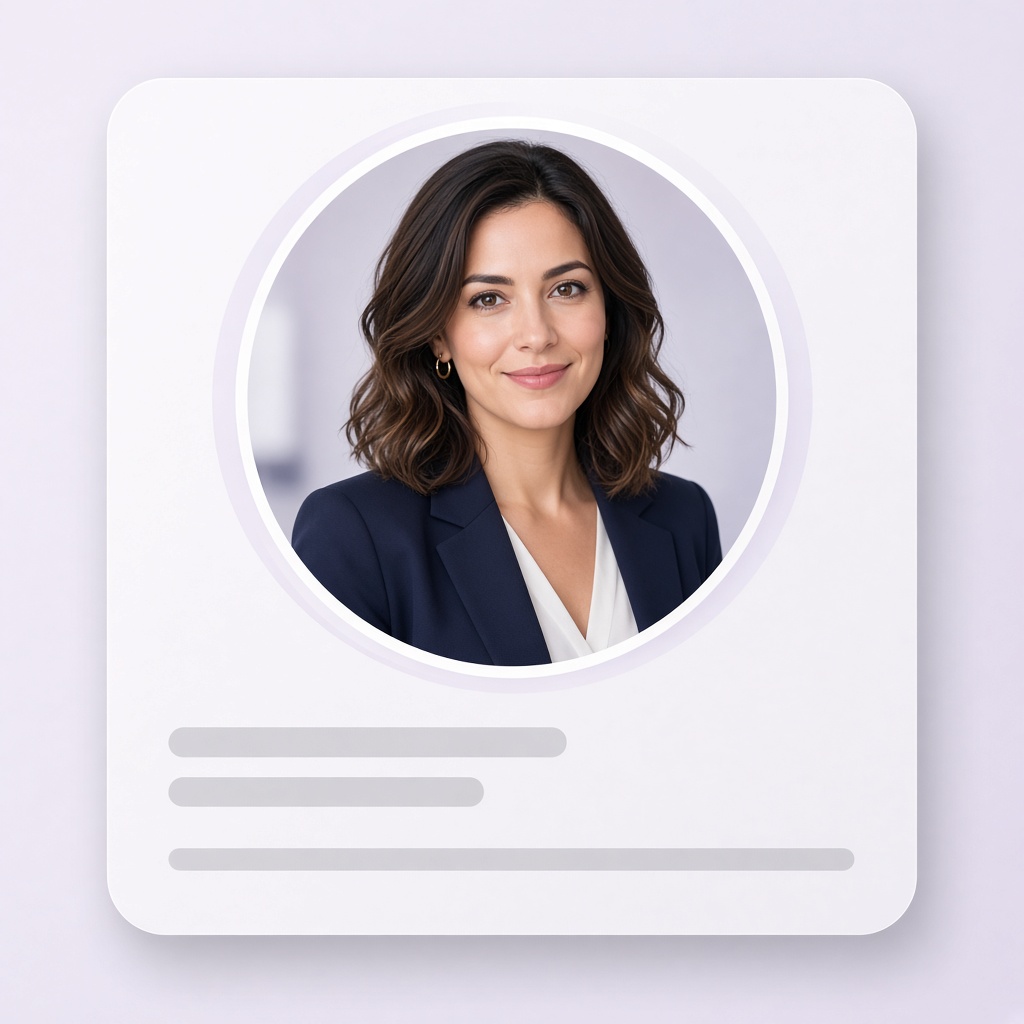
Drag to compare your original photo with the finished portrait.
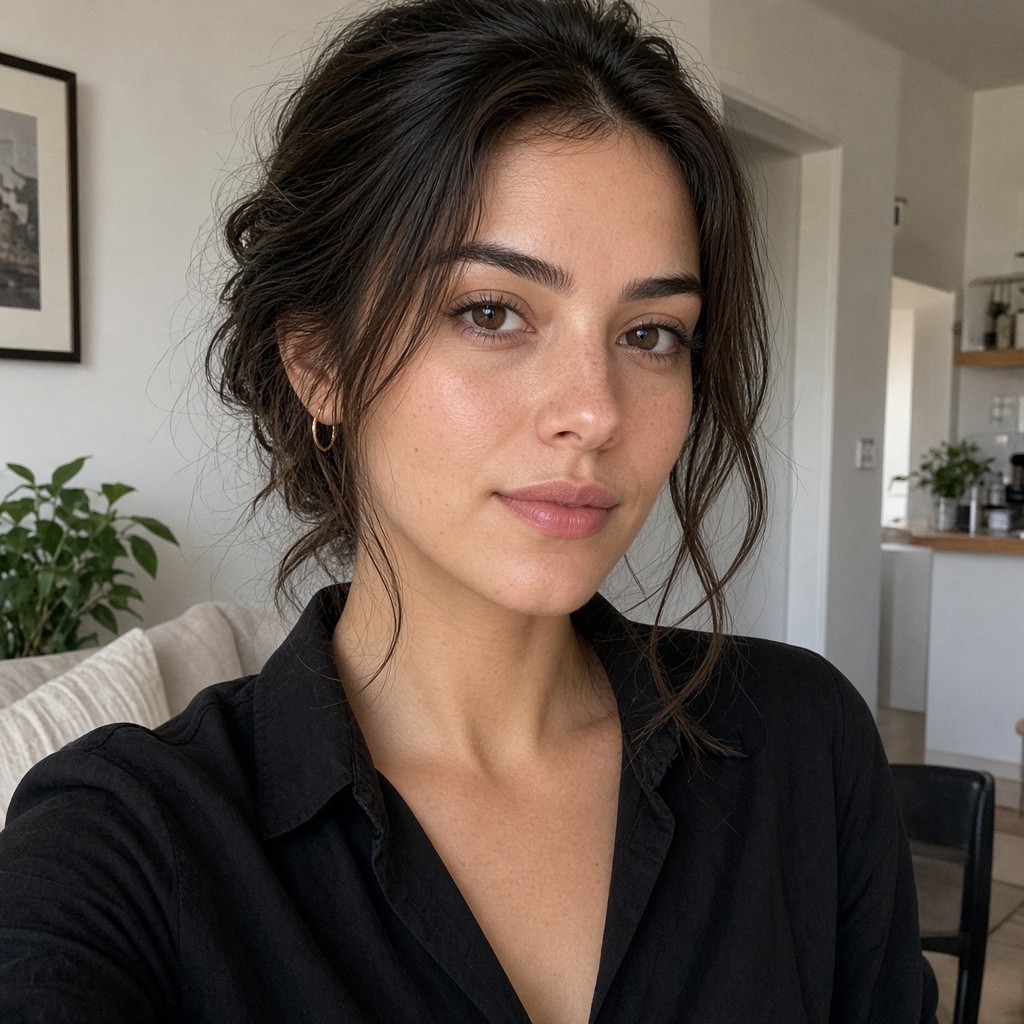
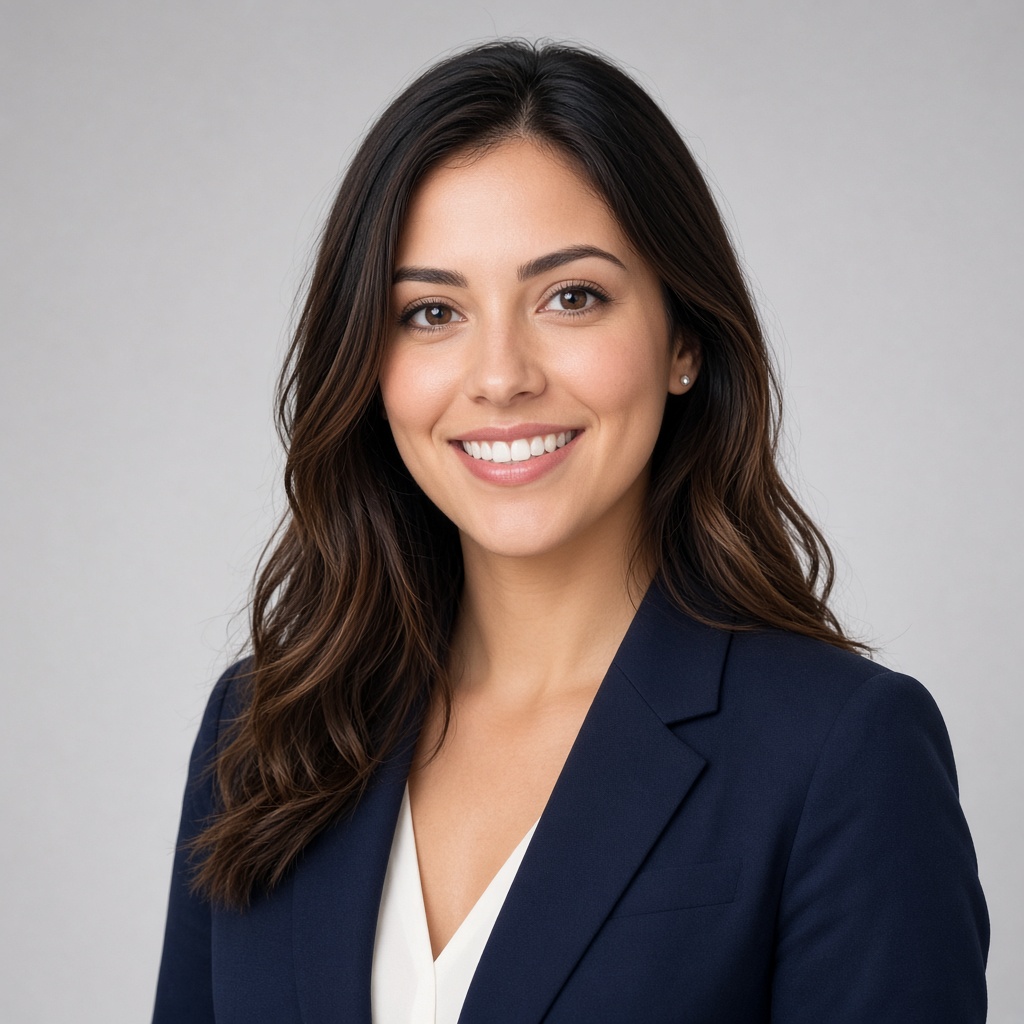 BeforeAfter
Frame head and shoulders for a high-resolution square profile photo.
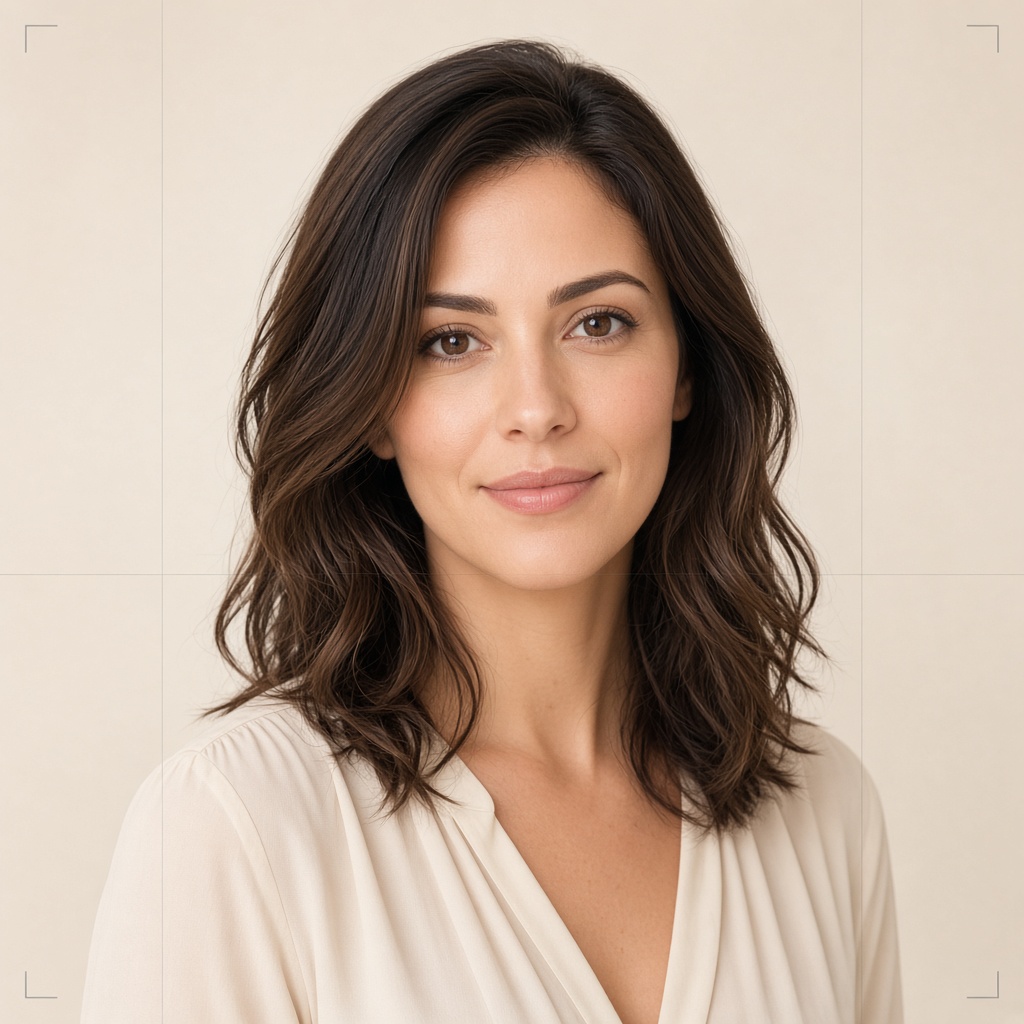
Heart the looks you like, filter your session, and unlock only keepers.
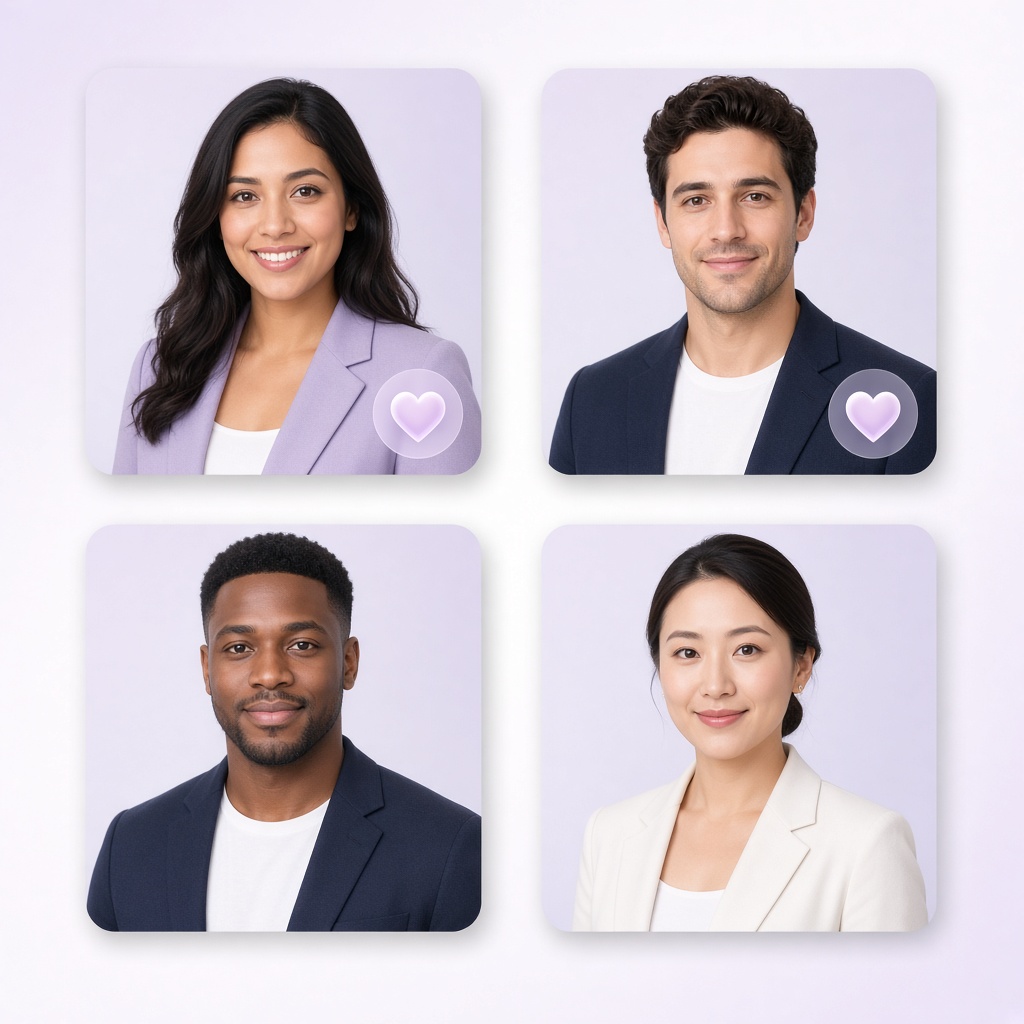
16 backdrops
Pick any three for your session — seamless papers, soft offices, loft light, and executive navy. Preview large, then start your headshots.
Simple pricing
A studio session costs hundreds. Here the preview is free — unlock only the looks you love.
$35.95
Your favorite look, full resolution.
Full-resolution download
$39.95
Every look from your session. Most people pick this.
About $4.00 per look
$49.95
Generate 10 more, then keep all 20.
About $2.50 per look
Satisfaction guaranteed · Free watermarked preview · Unlock only what you keep
Studio vs us
The head-and-shoulders photo people expect on LinkedIn — without booking a room, commuting, or waiting on retouches.
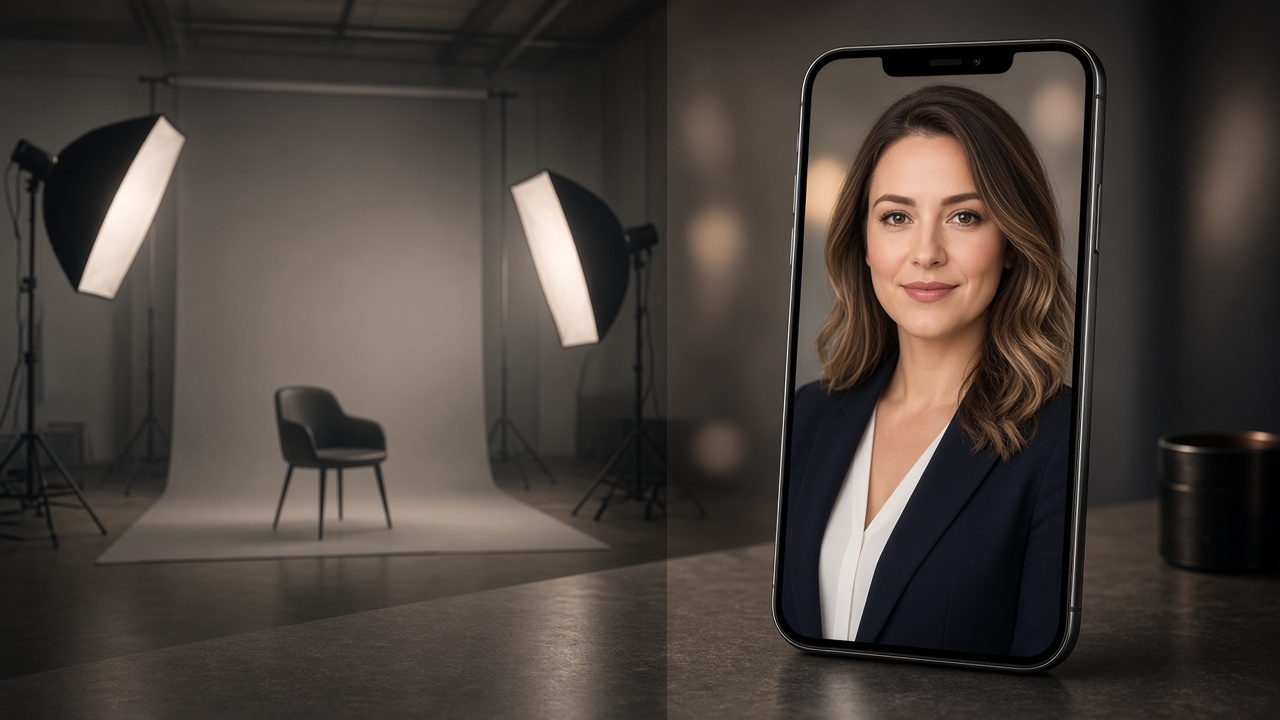
Skip the photographer
A typical sitting costs hundreds and returns a few frames. Here you preview free, then unlock only the LinkedIn-ready files you actually want — from $35.95.
Stories
Drag any slider — same person, quieter background, crop that still works at 400 pixels.
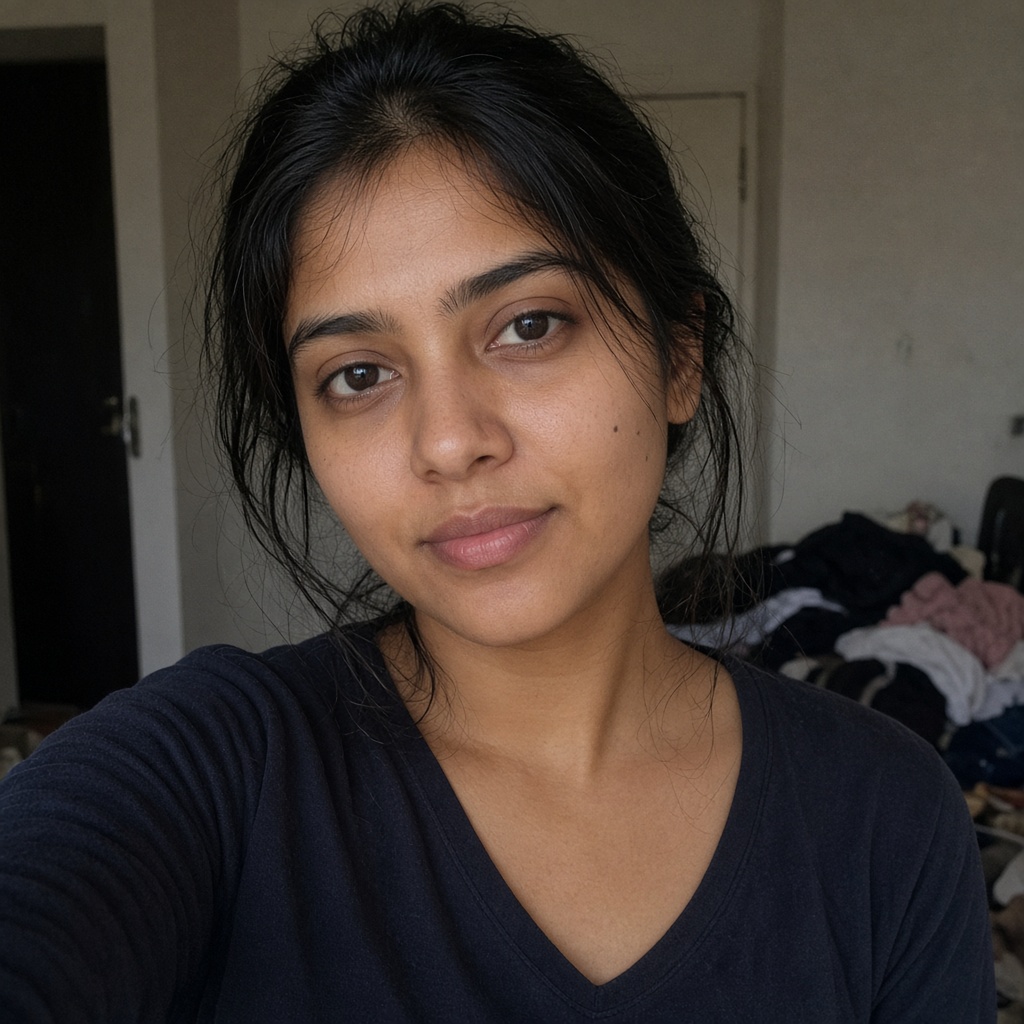
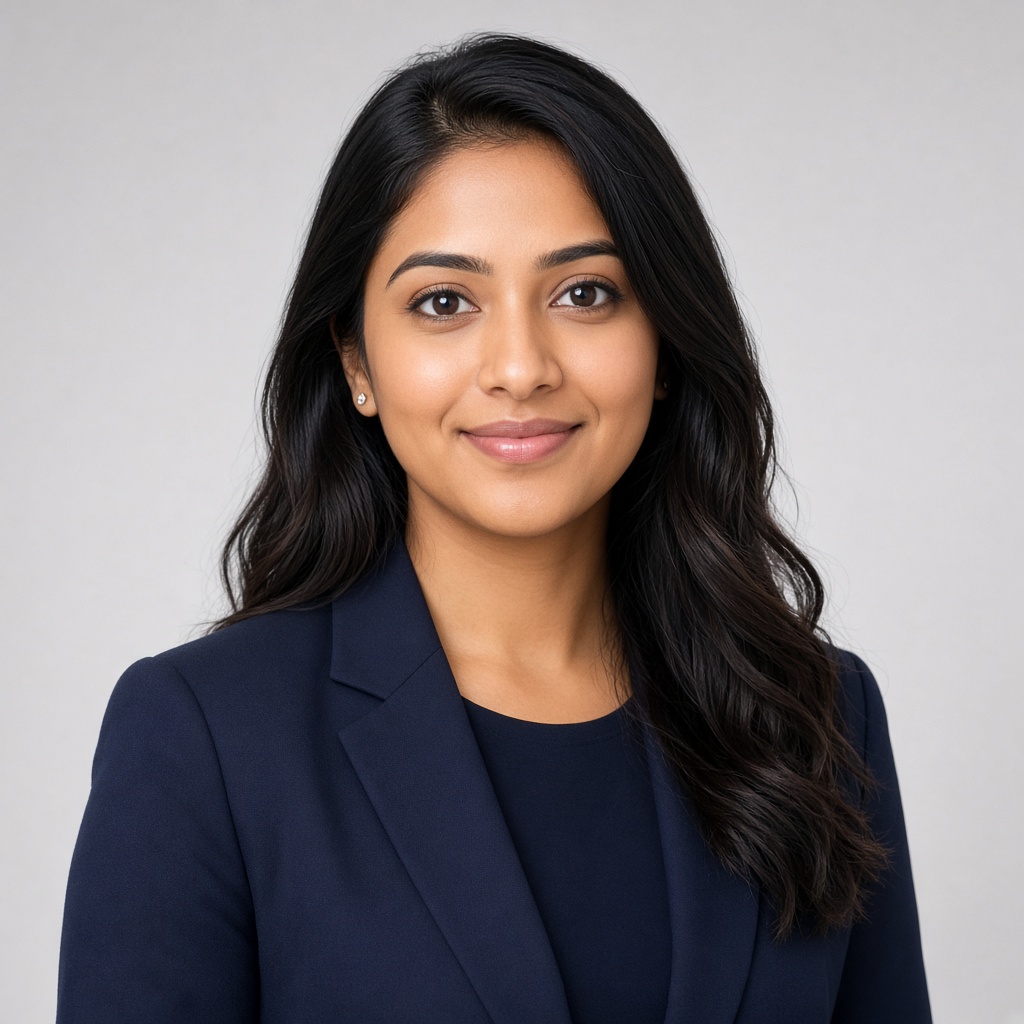 BeforeAfter
Priya N.Product managerI replaced a five-year-old selfie the same afternoon. The square crop still looks like me on a small profile.
Updated LinkedIn · same-day download
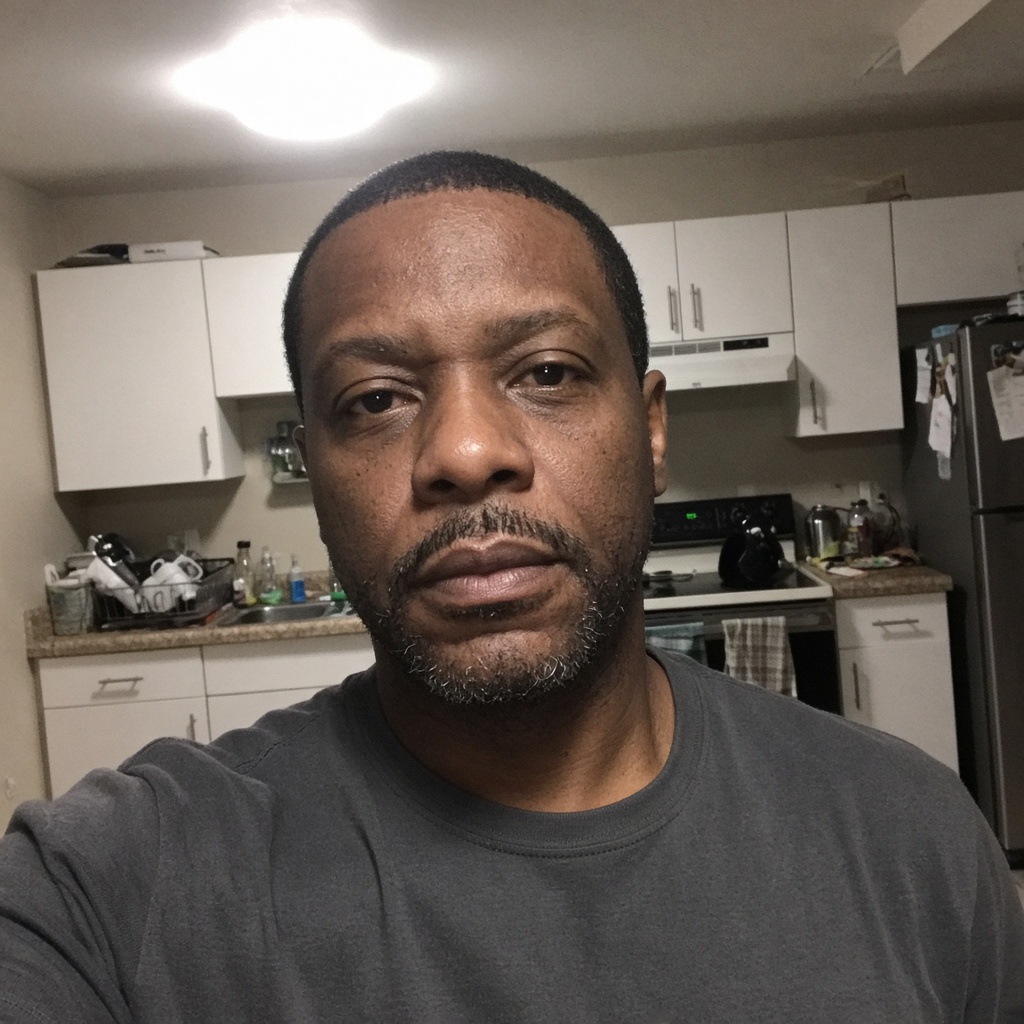
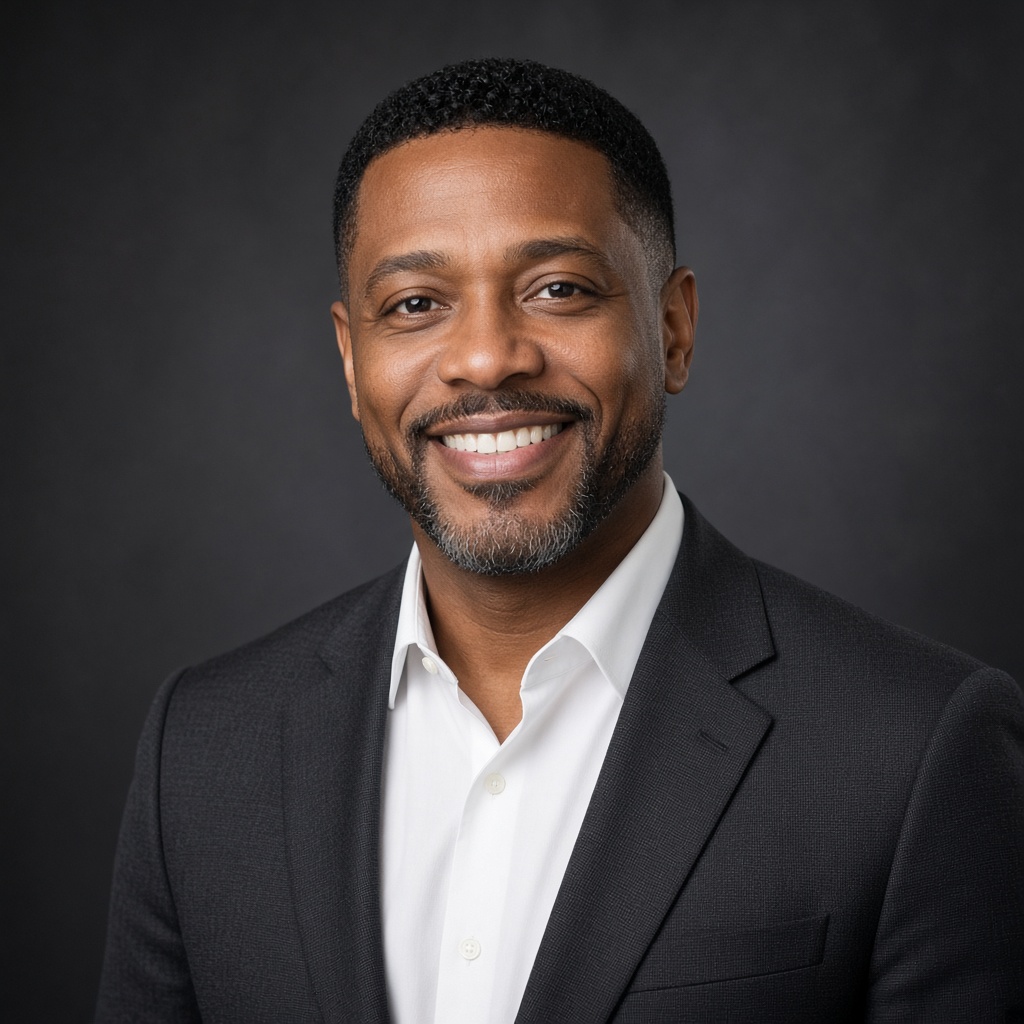 BeforeAfter
Daniel O.RecruiterThe watermarked preview is what convinced me. I paid only after the grey backdrop looked right.
Charcoal studio look · unlocked 1 photo
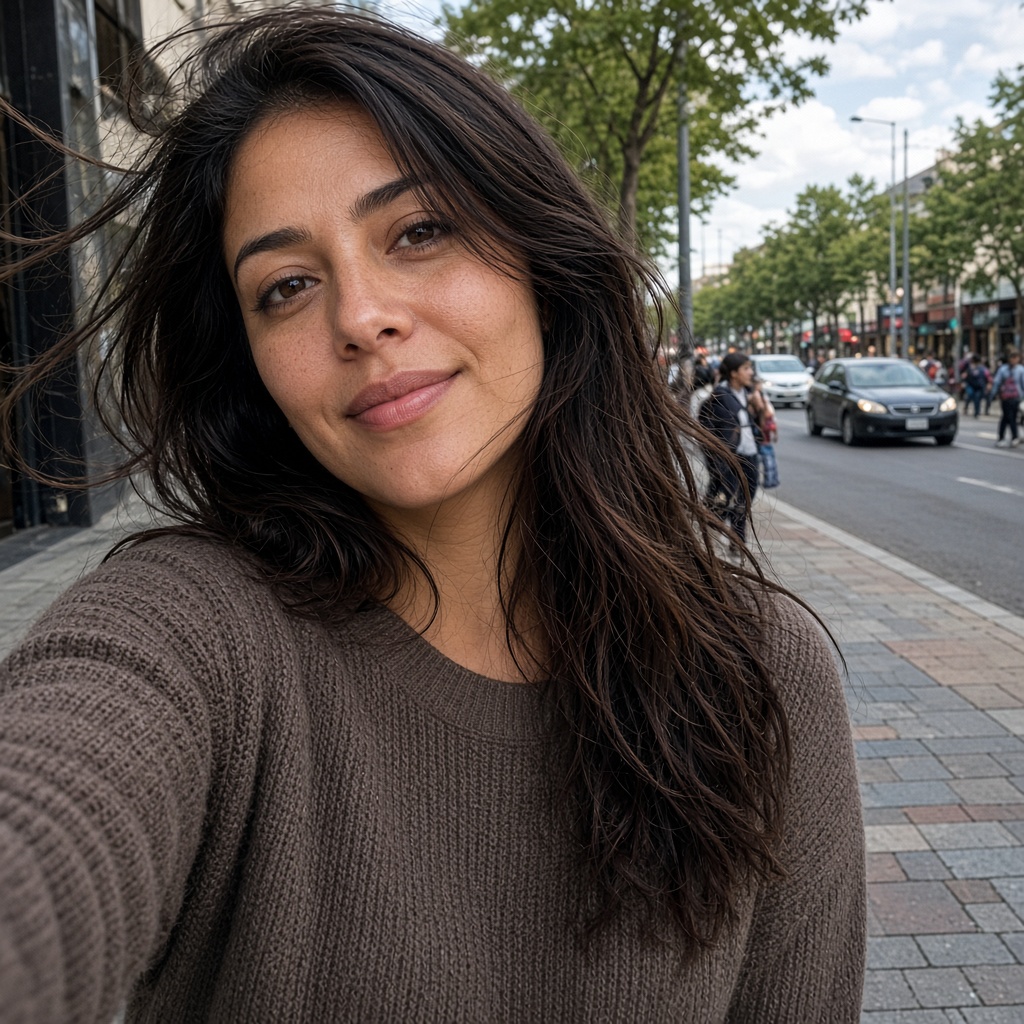
 BeforeAfter
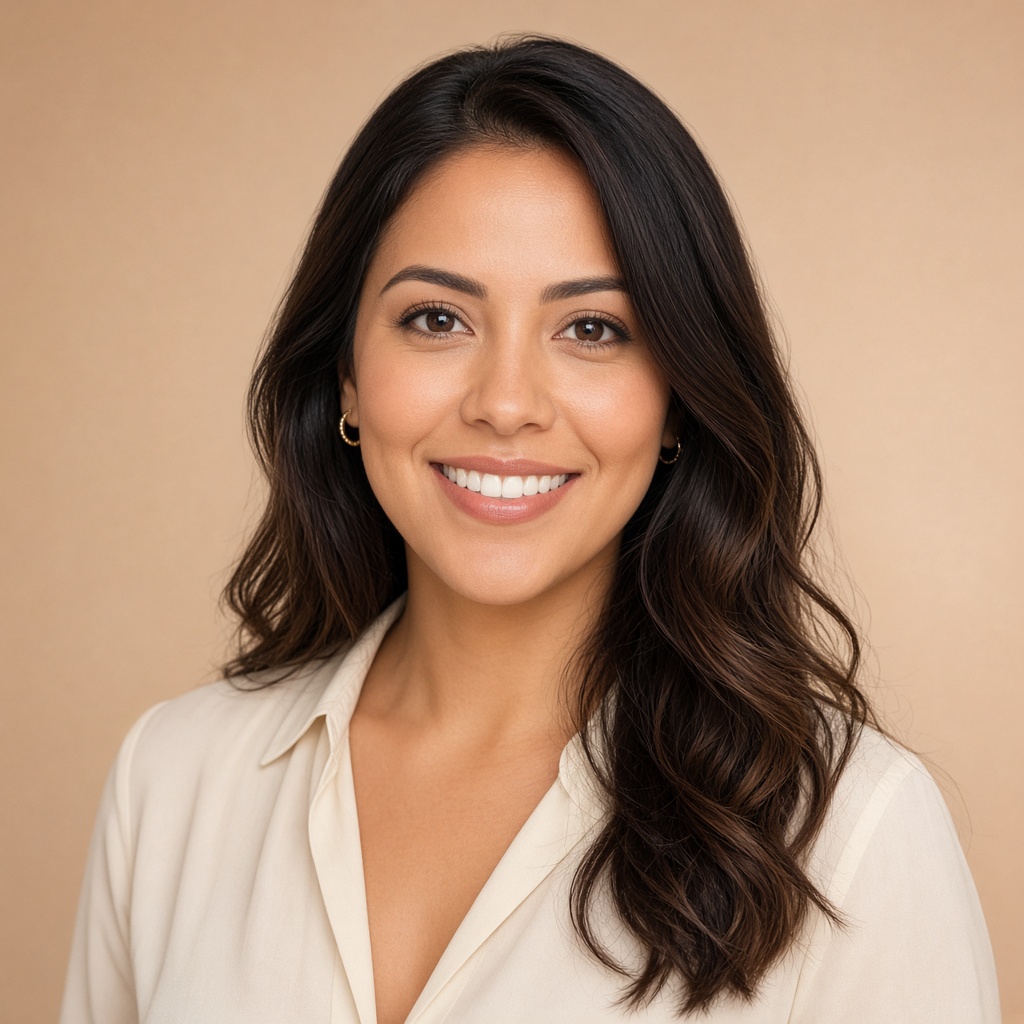
Elena V.ConsultantStudio dates kept slipping. One photo from my phone, and I had a portrait about a minute later.
Warm ivory backdrop · email signature too
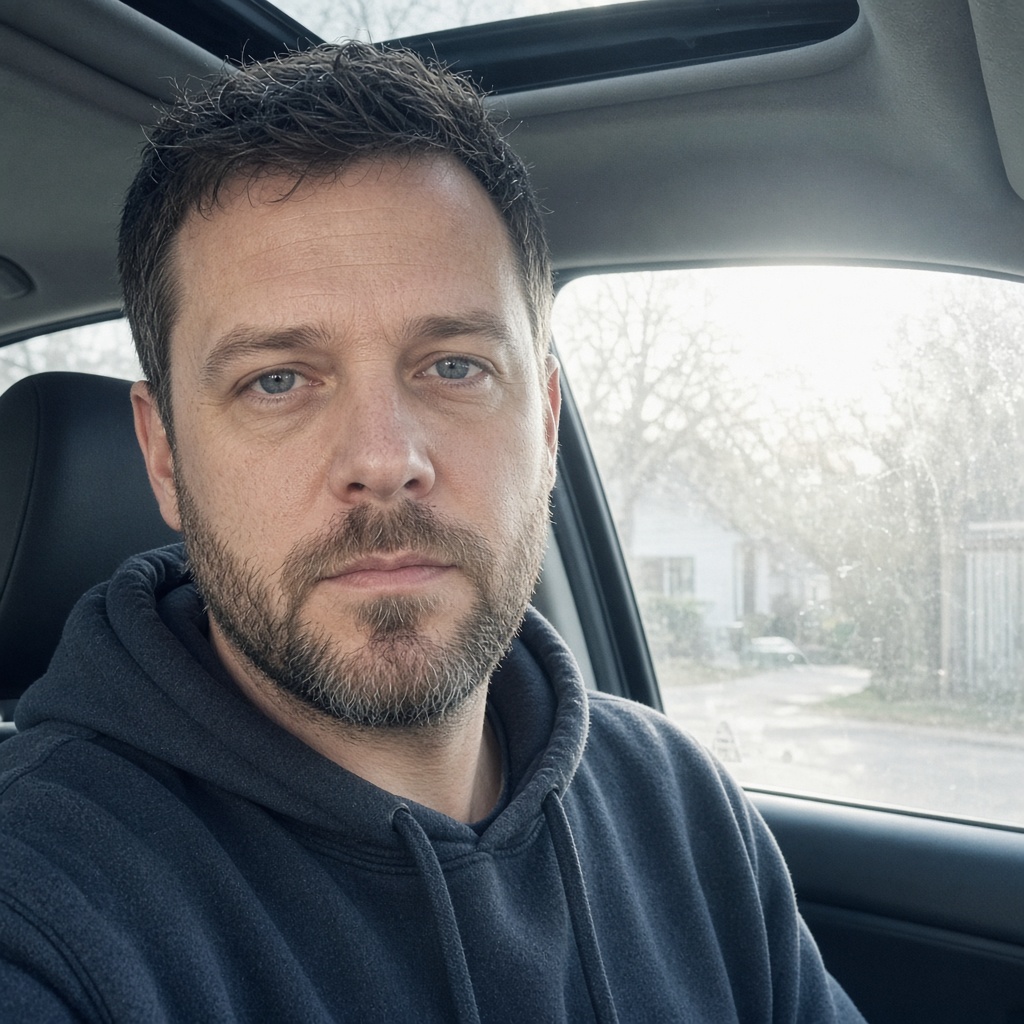
 BeforeAfter
Marcus H.FounderI kept three favorites. LinkedIn got the square navy knit — people noticed the same week.
All 10 pack · three hearted favorites
LinkedIn guide
Profiles shrink fast. A close crop and quiet background read clearer than a wide shot.

Head and shoulders, eyes near the top third — so your face stays clear in a tiny circle.
Straight on or a slight turn. Keep both eyes visible. A relaxed smile usually feels more approachable.
Studio grey, warm ivory, soft office, or navy — something that contrasts with hair and clothes.
LinkedIn, email, and Slack should match so people recognise you from the profile.
FAQ
Pricing, size, timing, and refunds — open any question.
Upload one selfie. You get studio-style looks in about a minute. Preview is free and watermarked — unlock only the files you want.
LinkedIn recommends 400×400 pixels or larger. Downloads are high-resolution squares that crop cleanly for profiles.
One. We edit your photo instead of asking for a dozen selfies.
A relaxed, natural smile usually reads as more approachable. Pick the look that feels most like you.
LinkedIn, email signatures, company directories, and speaker bios.
About a minute after you upload, depending on the queue.
Purchases are final after payment. Generation is free and watermarked so you can preview first. If a paid file never arrived, email support@your-passportphoto.com.
Ready when you are
Free watermarked preview · No account · About a minute